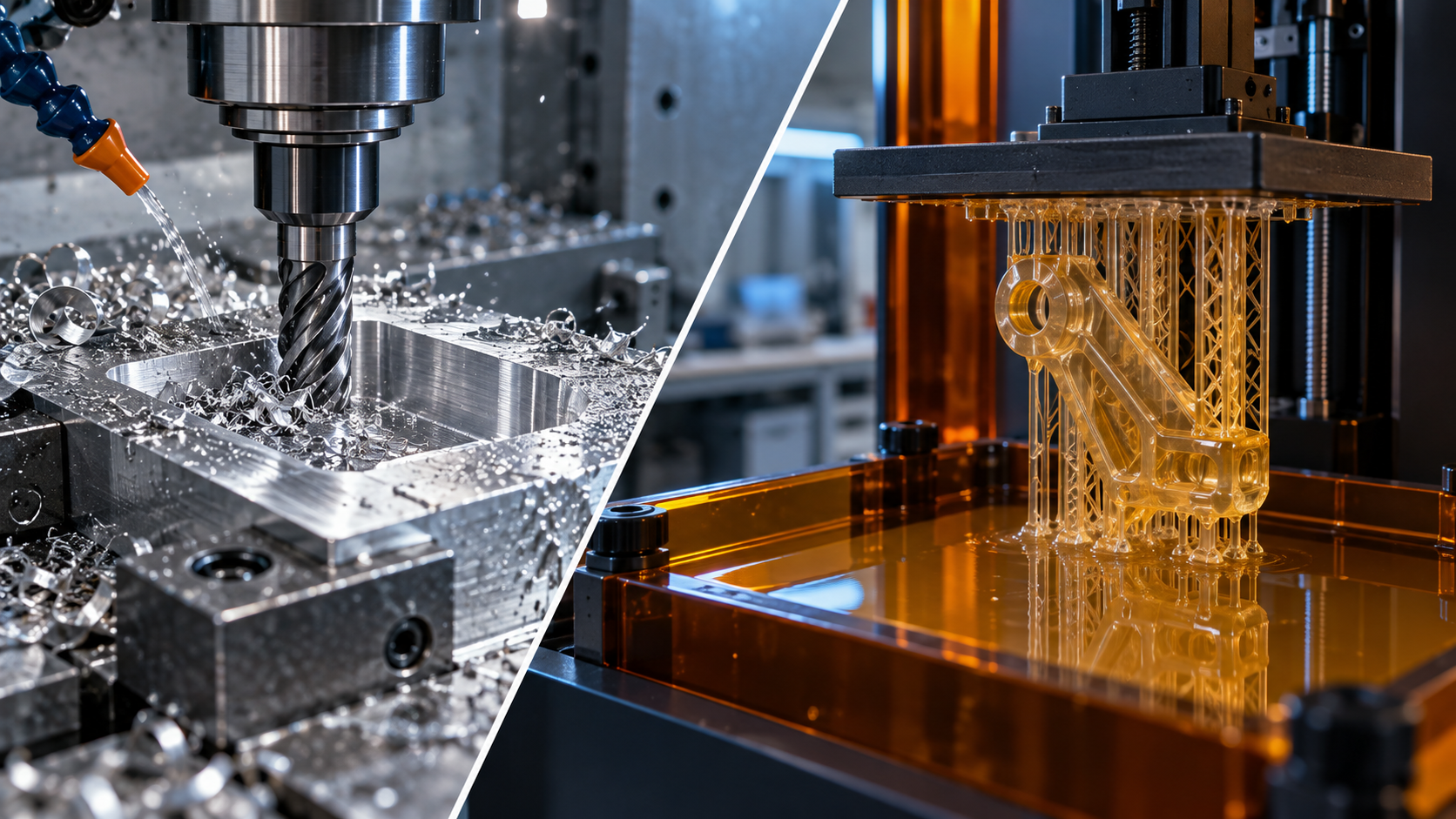
A bracket drawing: why two suppliers quoted a threefold price difference
Last week a drawing for a 200×80 aluminum bracket was sent out for quotation, and the numbers that came back were interesting: one supplier quoted CNC milling at 480 yuan per piece; another quoted 3D printing at 160 yuan per piece. The customer came with both quotes and asked: is the second supplier cutting corners?
Looking at the drawing makes it clear. The part has two Ø8H7 pin holes, one Ra1.6 sealing mounting surface, and the rest are connecting ribs and lightening slots. The drawing only marked "aluminum part," without specifying functional surface requirements or batch size. The CNC supplier worked to the fit surfaces, with two setups, boring plus fine milling, and could not bring the labor hours down; the 3D printing supplier worked to a cosmetic part, one-piece molding, and only sanded the support surfaces during post-processing. Neither supplier was wrong—what was wrong was that the drawing did not clearly state "which areas are functional surfaces" and "how many pieces are needed."
This kind of price difference is not a supplier ripping you off, but a cost structure difference caused by different process routes. The bulk of CNC cost lies in fixturing, tooling, and labor hours; the bulk of 3D printing cost lies in material volume, supports, and post-processing. The same geometry, two routes, can differ in price by two to three times, and delivery quality is also completely different.
So selection cannot start from "which is cheaper," but must be worked backward from "which surfaces must be preserved, how many pieces are needed, and what material." Go through the following five criteria in order, and you can basically lock in which route to take, or whether to take a hybrid route.
Subtractive vs Additive: Understand the Principle Difference First, Then Discuss Selection
For the same bracket drawing, the CNC quote says "blank 6061-T6, 3-axis milling, deburring," while the 3D printing quote says "SLS nylon, depowdering, sandblasting." Both can produce the outer shape, but internal stress, surface texture, and hole-wall finish are completely different. Selection is not about comparing prices, but about comparing physical processes—whether a tool removes material or material is stacked layer by layer. This difference determines all the criteria that follow.
CNC is subtractive: the tool cuts chips from a solid blank, and material removal rate, cutting force, and fixturing rigidity directly determine how deep, how fast, and how thin you can cut. 3D printing is additive: a laser or nozzle stacks material layer by layer, with each layer thickness usually between 0.02–0.2 mm (depending on the process, confirm with the equipment), and interlayer bonding strength is often lower than that of the base material itself. The former is limited by tool interference and clamping, while the latter is limited by support structures and thermal history.
Design Freedom: Undercuts, Internal Channels, and Lattices—Who Can Make Them
CNC cannot make closed internal cavities where the tool cannot reach, nor narrow slots with excessive depth-to-width ratios; 3D printing is almost unconstrained by geometry, and internal channels, lattices, and integrated hinges can all be formed in one piece. But printed parts need supports, and overhang angles are generally recommended to be kept within 45°, otherwise bottom surface roughness will deteriorate noticeably. If the drawing has cross-drilled holes or internal cooling channels, first ask yourself: can CNC drill them from both ends to meet? If yes, use CNC; if not, then consider additive.
Material and Residual Stress: Anisotropy vs Rolling Direction
CNC uses rolled or forged blanks, with dense material and good isotropy, and many metal grades are available (aluminum alloy, stainless steel, titanium, copper, engineering plastics). 3D printed plastic parts are anisotropic: strength in the XY direction is usually higher than in the Z direction, and the interlayer is the weak plane. Metal printing (DMLS) can achieve very high density, but thermal stress easily causes warping, requiring substrate preheating or subsequent heat treatment. If the part bears alternating loads or impact, prioritize CNC or densification treatment after printing.
| Design freedom | Limited by tool accessibility and fixturing; undercuts require separate operations or assembly | Almost unconstrained by geometry; internal channels and lattices can be formed in one piece |
| Material | Many metal grades; plastics mainly sheet/rod, with consistent performance | Plastics are anisotropic; metal printing requires post-processing, with relatively fewer grades |
| Dimensional accuracy | Commonly ±0.02–±0.1 mm, depending on features and fixturing | Commonly ±0.1–±0.3 mm, or per equipment nominal value, to be confirmed |
| Surface quality | Ra 0.8–3.2 μm common; finishing can be lower | Layer lines obvious; Ra often needs sandblasting/sanding to improve |
| Batch suitability | Suitable from single pieces to large batches; large batches amortize programming costs | Economical from single pieces to a few dozen; per-piece cost decreases slowly at large batches |
| Cost drivers | Programming, fixturing, tooling, material removal volume | Machining time, support, post-processing, material utilization |
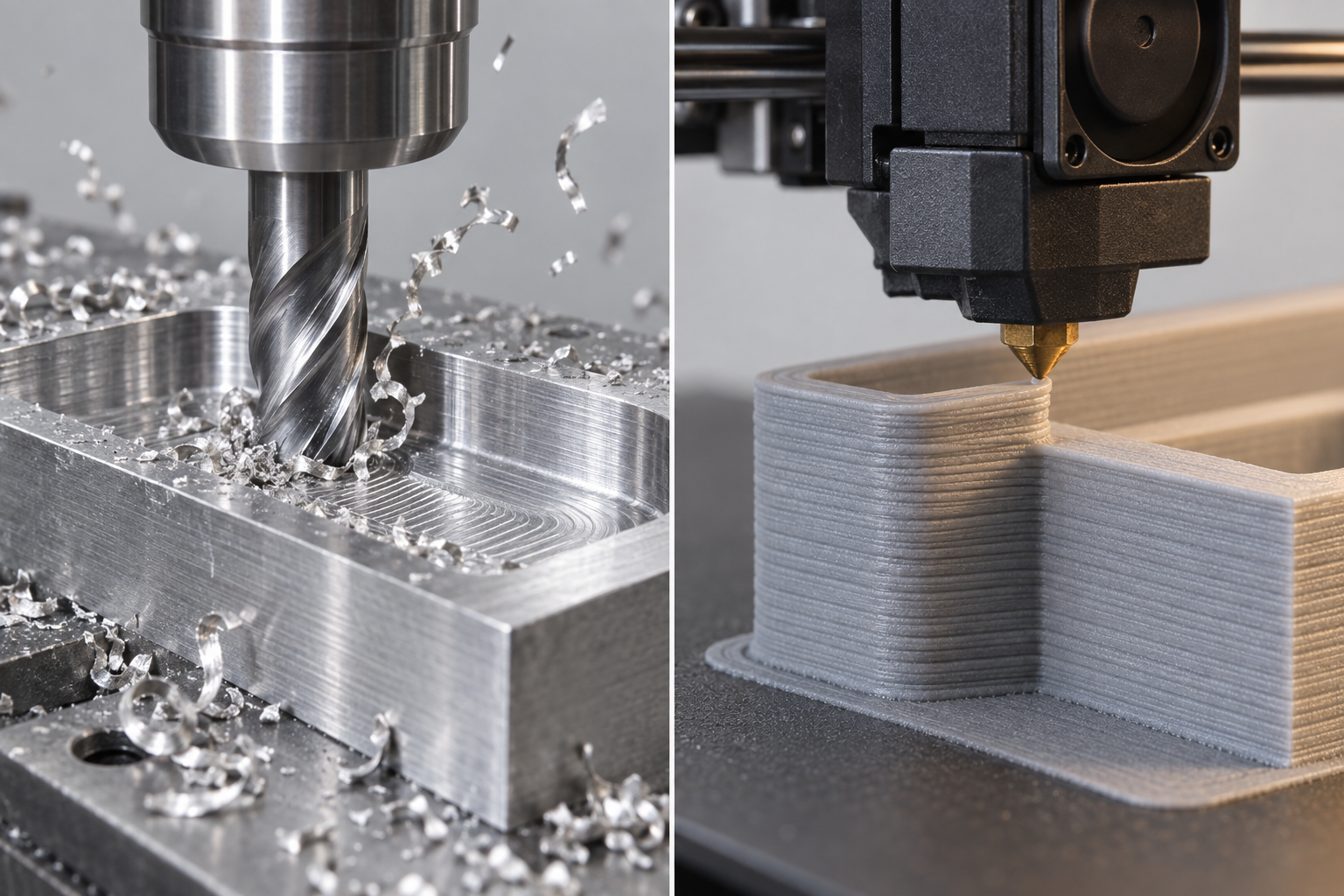
Note: The tolerances and surface roughness in the table above are common industry references, not a commitment from any factory. What can actually be achieved depends on feature size, fixturing method, toolpath, and inspection tools. When the drawing specifies below ±0.05, first confirm the datum and inspection method, then discuss the process.
Criterion 1: Functional surfaces and tolerance zones determine the process lower limit
The most easily overlooked thing on a drawing is "which surfaces actually do the work." Mating surfaces, seal grooves, sliding guideways, load-bearing holes—the tolerance zones and surface roughness of these surfaces directly set the process lower limit. For 3D printing (FDM/SLS/MJF), dimensional deviation in the build direction is commonly ±0.3~0.5 mm/100 mm, and layer stepping Ra is often 12~25 μm; while CNC finish milling of mating surfaces can conventionally be controlled within ±0.02~0.05 mm in the industry, and precision grinding can be even tighter. If the drawing specifies only one overall tolerance without distinguishing functional surfaces, both quoting and process selection will go off track.
The method of judgment is simple: divide the surfaces on the drawing into three categories—mating/sealing/sliding/load-bearing must go through CNC; appearance surfaces can be printed and then sanded; non-critical support surfaces can simply be printed. A common mistake is to mark the entire part as ±0.05, resulting in 3D printing being unable to achieve it while CNC becomes absurdly expensive. The correct approach is to tighten tolerances only on functional surfaces and release the rest according to general tolerances (such as GB/T 1804-m).
Correspondence between tolerance zones and inspection methods
Before specifying a tolerance, first ask: what will be used to measure this tolerance? A caliper has a resolution of 0.02 mm, so measuring ±0.05 is already marginal; below ±0.02 requires a micrometer, CMM, or optical scanning. If the factory does not have the corresponding inspection tools, specifying it is useless. A more hidden pitfall is the datum: if the drawing specifies position tolerance but does not specify the datum plane, CNC fixturing can only guess. This is even more true for printed parts—interlayer bonding surfaces are naturally anisotropic, and choosing the wrong datum plane can double hole position deviation.
| Tolerance requirement (typical) | CNC feasibility | 3D printing feasibility | Recommended inspection method |
|---|---|---|---|
| Above ±0.1 mm | Easy, ordinary milling is sufficient | Most FDM/SLS can achieve it, shrinkage must be controlled | Caliper |
| ±0.05 mm | Conventional finish milling, requires stable fixturing | Only some surfaces achievable with SLA/MJF, requires post-processing | Micrometer/height gauge |
| ±0.02 mm | Finish milling + datum refinement, requires constant temperature or compensation | Usually unachievable unless CNC finishing after printing | CMM/micrometer |
| Below ±0.01 mm | Grinding/lapping, requires dedicated inspection tools | Unachievable | CMM/optical scanning |
Rules for using this table: first see which row the functional surface tolerance falls into, then decide the process route. If it falls below ±0.02, prioritize CNC; if the part geometry is so complex that CNC fixturing is difficult, then evaluate the hybrid route of "3D printed blank + CNC finishing of functional surfaces." Note: The values in the table are common industry references, not committed values from any factory; before quoting, be sure to have the supplier confirm whether their equipment and inspection tools can cover your tolerance zone.
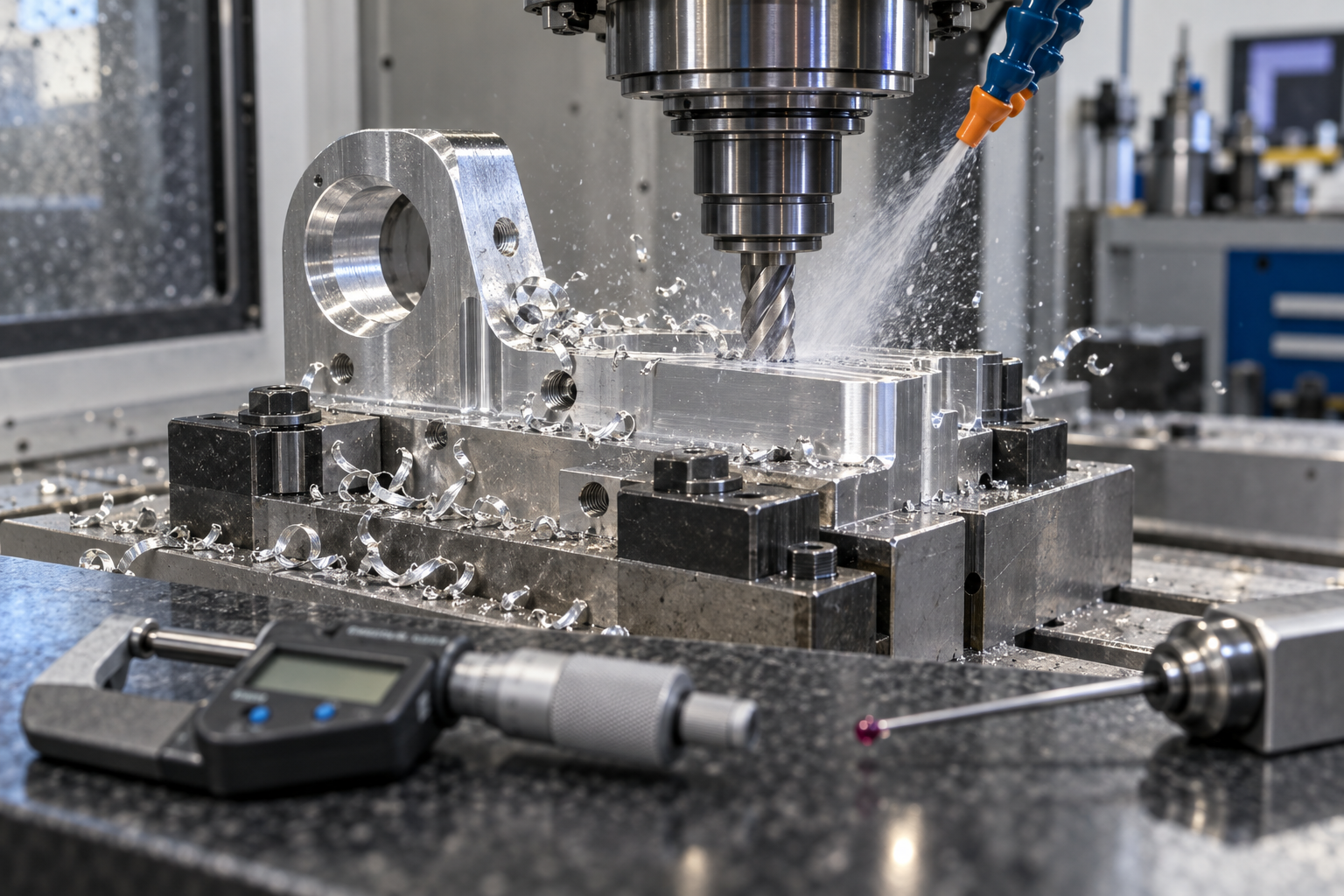
Final reminder: if the drawing shows "mating surface Ra 0.8" but no machining symbol, or "hole position ±0.05" but no datum, do not rush to place an order—this kind of missing information is a major source of later disputes. Circle the functional surfaces, mark the tolerance zones clearly, and only then will process selection have a basis.
Criterion 2: Batch size and geometric complexity determine the cost curve
The unit price curve is not linear. For the same drawing, the cost structure for 1 piece and 500 pieces is completely different: the cost of 3D printing is almost entirely in material and machine time, with fixturing and programming close to zero; in CNC cost, "fixed overheads" such as programming, fixtures, tool setting, and first-article inspection account for the majority, while per-piece material cost is secondary. Therefore, when judging the choice, first ask about batch size, then ask about geometry.
Batch-size watershed: printing is advantageous within a few dozen pieces; above a few hundred pieces, simple-geometry CNC overtakes it
A common industry situation is: 1–50 pieces, 3D printing (especially SLS/MJF plastic parts or DMLS metal parts) eliminates fixtures and tooling, making unit cost flatter; 50–200 pieces is a transition zone, depending on part geometry and material—for simple rotational parts and plate-type parts, CNC can run with soft jaws or a vacuum chuck, and unit price begins to fall below printing; above 200 pieces, CNC for simple geometries is usually clearly more economical because fixed overheads are diluted, while printing machine time and material costs hardly decrease. This is not a hard boundary; the more complex the drawing and the harder the material is to print, the more the watershed shifts toward printing.
Do not ignore the impact of geometric complexity on the shape of the cost curve. CNC cost rises quickly with the number of features, undercuts, deep cavities, and thin walls—each additional surface requires another fixturing setup or tool change; five-axis can reduce fixturing but machine time cost is also high. 3D printing cost is almost insensitive to complexity: internal channels, lattices, integrated hinges, conformal cooling channels—these are either impossible on CNC or require splitting, welding, and then machining, while in additive they are just a few more slicing layers. So when a part contains features that "only additive can make," the batch-size watershed fails, and you should go directly to printing or a hybrid route.
| Scenario | 3D printing | CNC | Judgment |
|---|---|---|---|
| 1–50 pcs, simple geometry | Saves fixturing, low unit price | Programming + fixturing can't be amortized, high unit price | Prioritize printing, unless there are mating surfaces |
| 1–50 pcs, complex geometry (internal channels/lattice) | Only feasible option | Requires splitting parts or can't be made | Print directly, leave allowance on functional surfaces then finish machine |
| 50–200 pcs, simple geometry | Unit price on par or slightly higher | Fixed overhead starts to amortize | After price comparison choose CNC, watch material consistency |
| 200+ pcs, simple geometry | Machine time + material cost won't drop, high unit price | Low unit price after amortization | CNC primarily, unless the material can only be printed |
| Any batch size, including undercuts/deep cavities | Formed in one piece, no extra cost | Requires 5-axis or multiple setups, cost rises sharply | Evaluate hybrid: print blank + CNC finishing |
A pitfall that's easy to fall into: equating "large batch size" directly with "CNC is cheaper." If the part is thin-walled, prone to deformation, and requires multiple setups, CNC's scrap rate and auxiliary labor hours may eat up the batch advantage. Conversely, if the printed part requires extensive post-processing (support removal, sanding, infiltration, heat treatment), the unit cost will also climb. When calculating cost, ask the supplier: does the quote include post-processing, first-article inspection, and fixturing costs?
If the geometric complexity is already high enough that CNC requires splitting the part, or the batch size falls in the transition zone and you're unsure, you can submit the drawing to both processes for comparison. In the AI chat quote, clearly state the batch size, material, and key tolerances—this usually gets you comparable decision-making information faster than just sending a 3D file.
Criterion three: material and post-processing determine whether it can be used
Even if the first two criteria are met, the drawing may not be manufacturable—material grades and post-processing often only surface problems after quoting. CNC can handle grades like 6061, 7075, 304, 316L, POM, PEEK, etc., with consistent performance across batches of the same grade; 3D-printed plastics (PLA, ABS, PETG, nylon, resin) exhibit anisotropy: interlayer strength is often lower than in the XY direction, and nylon parts drift in dimensions after absorbing moisture. Metal printing (DMLS) can produce 316L, Ti64, AlSi10Mg, but density, residual stress, and support removal all affect final performance. Before choosing a material, ask first: how does this part fail? If it's interlayer delamination, the printed part needs a different orientation or should switch to CNC.
Achievability differences between metal and plastic
CNC metal parts perform close to forgings, suitable for load-bearing, sealing, and sliding fits; 3D-printed plastic parts are better suited for enclosures, fixtures, and non-load-bearing structures. Metal printing can handle complex channels and lightweight lattices, but surface roughness, internal stress, and thread strength are usually inferior to CNC. If the part requires anodizing, electroplating, or heat treatment, confirm the process window first—printed parts may deform during heat treatment, requiring allowance or post-machining.
| Dimension | CNC machining | 3D printing (plastic/metal) |
|---|---|---|
| Material grade | Many metal/plastic grades, batch consistent | Limited plastics, fewer metal printing grades |
| Anisotropy | Isotropic (except rolling direction) | Low interlayer strength, weak in Z direction |
| Post-processing | Deburring, heat treatment, and surface finishing are mature | Support removal, sanding, sandblasting, post-curing |
| Functional surface | Can be used directly as a mating surface | Usually requires stock allowance for post-machining |
| Moisture absorption/aging | Metals are stable; plastics require material selection | Nylon absorbs moisture; resin undergoes UV aging |
Post-processing is not optional; it is part of the function
The steps left by support removal, the uniformity of sandblasting, and the duration of post-curing all change dimensions and appearance. If the drawing only states "no surface defects," the supplier can only rely on experience. It is recommended to specify on the drawing: the Ra requirement for functional surfaces, whether support marks are allowed, the heat treatment condition (such as T6), and whether coloring or electroplating is required. When unsure, first run a small-batch trial to verify, then define the post-processing specification.
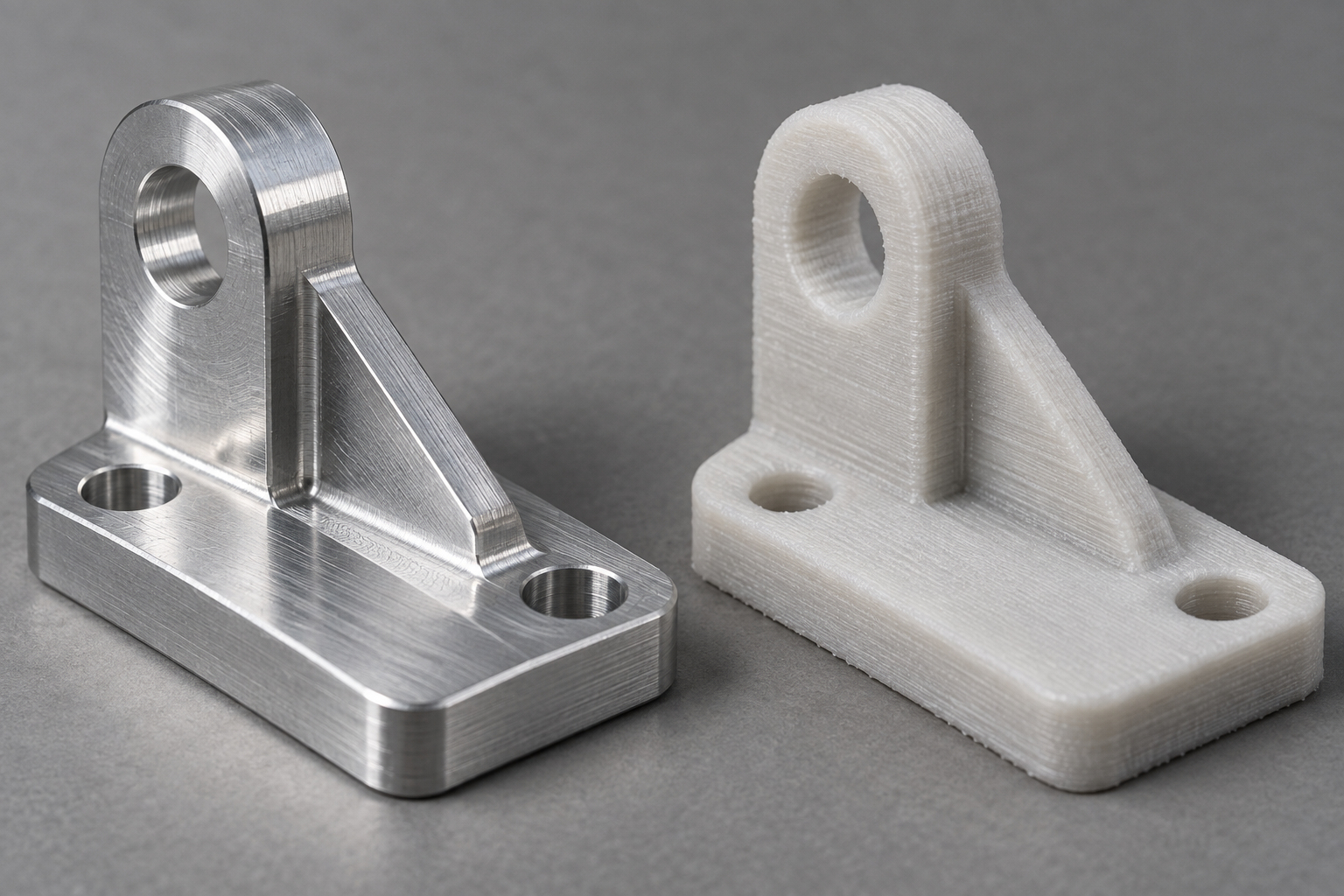
After materials and post-processing are confirmed, return to the quoting stage. If the drawing specifies a particular grade and heat treatment condition, AI chat quoting can match the process faster; if you are still at the material selection stage, you can first check the materials library to confirm feasibility.
Hybrid route: how to plan 3D-printed blanks + CNC finishing
For some parts, a single process is unsatisfactory on both ends. For example, an injection mold insert with internal conformal cooling channels: with full CNC milling, the channels must be split into multiple pieces and welded together, resulting in many sealing surfaces and long lead times; with full metal printing, the channels are formed in one piece, but the roughness and dimensional accuracy of mating surfaces and sealing surfaces cannot meet assembly requirements. In this case, a hybrid route—printing the blank and CNC-finishing the functional surfaces—is often more cost-effective than forcing a single process.
Process sequence: print first, then finish machine
Small case: a mold insert with channels
The part envelope is 80×60×40 mm, material 1.2709 mold steel, internal conformal channel diameter 6 mm, with the channel 4 mm from the nearest surface. The mating surface requires flatness of 0.02 mm, and the sealing groove is 3 mm wide with a tolerance of ±0.02 mm.
Plan: metal print the entire blank, forming the outer shape and channels in one piece; leave 0.5 mm allowance per side on the mating surface, sealing groove, and ejector pin holes; perform stress-relief annealing after printing; on the CNC, first mill the bottom face and two datum side faces, then flip and finish-mill the mating surface, finish-mill the sealing groove, and drill the ejector pin holes. The channels are not machined and retain the as-printed surface—the roughness of the channel inner wall affects cooling efficiency, but usually does not require a mirror finish, so the as-printed state is acceptable; if the channel requires Ra 1.6 or lower, abrasive flow polishing or electrochemical polishing must be added, which is post-processing and not something CNC can solve.
The key judgment here is: which surfaces must be CNC-machined, and which surfaces can remain as-printed. Mating surfaces, sealing surfaces, sliding surfaces, and load-bearing surfaces must be finish-machined; features that tools cannot reach, such as channels, lattices, and internal cavities, are final in the as-printed state. How much allowance to leave depends on the dimensional deviation and surface roughness of the printing process—too little, and finishing cannot remove layer lines or warpage; too much, and cutting time increases, and thin-walled parts may deform due to cutting forces. A common industry practice is 0.3–0.8 mm per side, but the final value must be confirmed according to the printing equipment capability and part stiffness.
The hybrid route actually has boundaries for suitable scenarios: internal features are too complex for CNC to machine, while the exterior also has a small number of high-precision functional surfaces. If the internal features can also be made by CNC (such as straight holes or simple cavities), or if the external functional surface precision requirements are not high (the as-printed state can satisfy them), then the hybrid route is just unnecessary stacking of operations. The judgment order is: first check whether the functional surface tolerances can be met in the as-printed state; if yes, use a single process; if not, then check whether the internal features can be made by CNC; if yes, use single-process CNC; only when both ends are blocked should the hybrid route be considered. This order can avoid spending money on two extra operations just to be "advanced."
Failure modes and inspection: what happens on site after choosing the wrong process
Choosing the wrong process will not be exposed immediately on the quotation sheet, but on the assembly line. The following is organized into four columns: failure phenomenon, common root cause, inspection method, and procurement/engineering action, directly corresponding to the tolerances, datums, and batch size on the drawing.
| Failure phenomenon | Common root cause | Inspection method | Procurement/engineering action |
|---|---|---|---|
| Interlayer cracking in printed parts | Low Z-direction strength, print orientation perpendicular to the load direction, insufficient post-curing | Visual inspection + CMM measurement of critical dimensions; if necessary, perform pull-off/shear sampling inspection | Add orientation confirmation to incoming inspection; supplier provides print direction diagram |
| Warping of printed parts | Thermal stress, large flat surfaces without support, uneven cooling | Feeler gauge for flatness, 3D scanning compared with CAD | Require the supplier to provide a first-article scanning report; change large flat surfaces to CNC or add ribs |
| Hole position deviation | Anisotropic printing shrinkage, more obvious when hole diameter is less than 3 mm | Calipers/plug gauges + CMM sampling inspection | Specify hole diameter tolerances on the drawing; leave allowance on critical holes and then ream |
| CNC thin-wall deformation | Excessive clamping force, cutting heat, wall thickness less than 1 mm | Measure wall thickness with a micrometer, measure flatness with a CMM | Require the supplier to use soft jaws/vacuum chucks; separate roughing and finishing |
| CNC clamping crush marks | Hard jaws directly clamping the finished surface | Visual inspection + surface roughness tester | Note non-clamping surfaces on the drawing; require the supplier to use copper shims/nylon pads |
The correspondence between inspection methods and drawing tolerances
Not every dimension is worth putting on a CMM. Calipers can measure to the ±0.1 mm level, micrometers to ±0.01 mm, and only CMMs and 3D scanning can reliably cover mating dimensions within ±0.02 mm. If the drawing specifies tight tolerances but has no datum or gauge definitions, the supplier can only measure according to their own interpretation, and the result is that "pass" and "fail" each tell their own story. A common industry practice is: mark datums A/B/C for critical mating dimensions and specify the inspection method; non-functional dimensions only need general tolerances.
Procurement implications: incoming inspection and supplier capability confirmation
Before choosing a process, first confirm whether the supplier can inspect it. For printed parts, ask clearly whether they have a post-curing oven and can provide a scan report; for CNC parts, ask clearly whether they have a CMM and can do a full-dimensional first article. For incoming inspection, don't just measure the outer shape—list mating holes, mounting surfaces, and threaded pilot holes as mandatory inspection items. When the batch exceeds a few dozen pieces, require the supplier to provide a first article report and SPC data for critical dimensions; otherwise, later assembly interference will leave you to rework it yourself.
If a failure has already occurred, don't rush to change the process. Use 3D scanning to compare the actual part with the CAD to determine whether it is a dimensional deviation or a geometric deviation; then check the clamping records and printing parameters. In most cases of "the process doesn't work," the root cause is that the datums were not unified or a post-processing step was missed. Getting the inspection data back is more useful than requesting a new quote.
Frequently Asked Questions (FAQ)
The following questions are the ones that appear most frequently in drawing reviews and quote exchanges. The answers all come with preconditions—check them against your own part before copying the conclusions.
For just one piece, should I choose CNC or 3D printing?
Look at the functional surfaces first. For surfaces that mate, seal, slide, or bear load, and whose tolerance band is within ±0.05 mm, go with CNC; for pure appearance verification, assembly interference checks, and structural prototypes, 3D printing is faster. The cost of a single CNC piece is mainly in programming and clamping, not material, so the simpler the geometry and the fewer the functional surfaces, the closer the cost-effectiveness of a single CNC piece gets to printing. Conversely, for geometries such as internal channels, lattices, and deep undercuts, CNC either cannot do it or requires splitting the part and joining it back together, in which case printing is the only solution.
Can metal parts be directly 3D printed?
Yes, but it depends on the grade and subsequent processing. Metal additive manufacturing (such as DMLS) can work with stainless steel, aluminum, titanium, etc., and is suitable for complex channels and lightweight structures; however, the as-printed surface is rough and has support residue, so mating surfaces usually still require CNC finishing. If the part is load-bearing or operates under fatigue conditions, you also need to confirm the printing orientation, heat treatment, and density testing—you cannot place an order based only on the material grade. For specific available grades, please check the 3D printing capabilities page.
How tight is a reasonable tolerance to specify on a drawing?
Tolerances are not better the tighter they are; they directly drive up cost and inspection thresholds. A common industry practice is: specify general tolerances (such as ±0.1~±0.2 mm) for non-functional surfaces; specify fit tolerances such as H7/g6 for mating surfaces according to the actual fit nature; and tighten to the ±0.02 mm level only for locating, sealing, and bearing positions. When specifying below ±0.05 mm, first confirm whether the datum is unique and whether the gauges are sufficient—a tolerance without a corresponding gauge can only be guessed on site, and disputes easily arise during acceptance.
Is 3D printed blank + CNC finishing always more expensive?
Not necessarily; it depends on the part shape and batch size. For structures such as complex internal cavities, conformal cooling, and lightweight lattices, full CNC would require cutting from solid stock, with a large amount of material removal and fast tool wear, so the hybrid route actually saves money; but for parts with simple geometry and large batch sizes, printing a blank and then finishing it adds an extra process step and an extra setup, and is usually not cost-effective. The deciding point is whether the proportion of material volume removed by CNC is high enough to make tooling and labor unbearable.
How do I confirm that a supplier can really make my drawing?
Don't just ask "can you make it"; ask three things: what equipment will be used, how it will be clamped, and how it will be inspected. Have them specify in the quote the process route, the inspection methods corresponding to critical tolerances (calipers, CMM, or 3D scanning), and the post-processing content. If their answers about functional surfaces and datums are vague, or if the tolerances they quote clearly exceed conventional capability without explaining the inspection plan, be cautious. If necessary, do a first article first, use 3D scanning to compare the measured results with the digital model, and then decide whether to go into mass production.
Key takeaways
- Start with functional surfaces: surfaces involving fits, sealing, sliding, or load-bearing should prioritize CNC or post-machining after 3D printing; only purely cosmetic or purely placeholder parts should be considered for direct printing.
- Tighter tolerances are not always better: when a drawing specifies below ±0.05, first confirm the datum and inspection method; otherwise the tolerance only drives up cost without being verifiable.
- Batch size is the watershed: for single pieces up to a few dozen, 3D printing saves fixturing and tooling costs; above several hundred pieces with simple geometry, the per-piece cost of CNC or injection molding will overtake it.
- Do not default to printing metal parts: for metal structural parts that can be CNC machined, lead time and material consistency are usually more controllable; printing metal is only cost-effective when geometry is constrained, such as for lightweighting or internal channels.
- Hybrid routes require sequencing: 3D printing a blank + CNC finishing functional surfaces suits parts with complex shapes but high requirements on critical surfaces, but machining allowance and datums must be reserved.