Why does the factory still call after a drawing has been sent out?
The drawing has just been sent out, the quote has not come back, and the process engineer calls first: "Is this part made from blank stock or precision stock? At which step is the heat treatment done?" A while later, procurement asks: "Does datum A refer to the bottom face or the side face? Is deburring included in the quote?" Half a day later, the programming colleague sends a message: "The tool can't reach this internal cavity—can the structure be changed?"
Most people's first reaction is that the factory is too wordy. But from the reader's perspective, these questions almost all point to the same thing: there are gaps in the drawing's information chain. What the design side assumes "goes without saying"—material condition, datum attribution, critical dimensions, surface requirements, process notes—is exactly what the manufacturing side must confirm before it can start. The more gaps there are, the more phone calls, the slower the quote, and the higher the risk of rework.
The checklist below is not about teaching you how to draw, but about making you read the drawing once more through the factory's eyes before you click "send." The goal is simple: let the reader not have to guess, let the quoter not have to ask, and let the machinist not have to stop.
Views and Datums: Let the Reader Not Have to Guess
The first thing a factory process engineer does when receiving a drawing is determine the part's orientation. If the drawing does not specify the projection method, he will first look at the view layout: in third-angle projection, the top view is placed above the front view, while in first-angle projection it is placed below. Both methods are legal, but mixing them will cause the part to be "flipped over" during fixturing. Most domestic factories are used to first angle, while European and American customers often send third angle. Clearly writing "third-angle projection" in the title block saves much more trouble than confirming by phone afterward.
Views must be complete; do not omit sections and detail views
A front view plus a top view is often not enough to express internal structure. Deep cavities, cross holes, and thin-wall transition zones are clearer when cut open with a section view than when piling notes into dimensions. Detail views are suitable for callouts such as small fillets, relief grooves, and seal grooves; the enlargement scale can simply be written next to the view name. The cost of omitting a section view is: the factory machines according to the outer contour, leaves the internal step in the wrong direction, and has to rework from scratch.
Choose datums correctly so inspection is reproducible
A datum is not just any face picked at random. It should correspond to the locating face of the part in assembly, or the first fixturing face during machining. If the design datum, machining datum, and inspection datum on the same drawing are inconsistent, you get the awkward situation of "machining passes, inspection fails": the CMM establishes its coordinate system from face A, while the shop aligns from face B, and the two sets of data do not match. Even more troublesome is batch parts—if each part's datum drifts a little, the accumulation becomes assembly interference.
In practice, it is recommended to clearly mark the main datums on the drawing with symbols and to state in the technical requirements, "undimensioned datums shall be per face A." If the part has a symmetrical structure, note which side is the datum face to avoid the factory choosing the wrong one based on experience. Once datums are unified, inspection reports become comparable, and subsequent 3D scan comparisons also have a unified reference frame.

Dimensions and Tolerances: Dimensioning Determines Whether Inspection Can Be Reproduced
When two inspectors measure two different results from the same drawing, it is often not a problem with the measuring instrument, but ambiguity left by the dimensioning method itself. The core of dimensioning is not "writing down all the numbers," but enabling the reader to reproduce the same conclusion using the same dimension chain and the same set of datums.
Dimension chains and cumulative error
When multiple dimensions are connected end to end to form a chain, the tolerance of the closing link is the sum of the tolerances of the component links (worst-case method):
T₀ = T₁ + T₂ + … + Tₙ
For example, if three dimensions each with ±0.1 are strung into a chain, the worst-case variation of the closing link is close to ±0.3. If the design intent requires a tighter closing link, you must reduce the number of links in the chain, or change one of the dimensions to be dimensioned directly from the datum instead of continuing the series. Dimensioning critical dimensions directly from the datum is usually more effective than afterward asking the factory to "make it more accurate."
Datums, critical dimensions, and reference dimensions
The basic idea of GD&T is: define datums first, then discuss tolerances. Datums should be selected on the faces or holes that actually mate during assembly, not just any machined face. Critical dimensions (those affecting assembly or function) should be clearly marked and given inspectable tolerances; reference dimensions should be marked in parentheses, indicating "for reference only, not a basis for acceptance." Treating reference dimensions as critical dimensions will make the factory spend cost on unimportant places; conversely, omitting critical dimensions means the factory can only follow default precision, shifting the risk to the assembly site.
Another common pitfall is tolerance stacking: positional tolerance, profile tolerance, and linear dimensions are mixed without explaining their conversion relationship. Before release, ask yourself: who is the closing link of this dimension chain? Which datum is used during inspection? If the answers to these two questions are not unique, the drawing is not finished yet.
Materials, Surfaces, and Heat Treatment: The Most Easily Omitted Section on a Drawing
The views and dimensions are all complete, yet the drawing is still returned—often because of the title block and notes area. The material only says "aluminum," the surface only says "anodizing," the heat treatment field is blank, and deburring is not mentioned at all. When the factory receives such a drawing, it can only handle it according to its own default habits: aluminum might be 6061 or 7075; anodizing might be clear or black; deburring might be done or not. The result is that the part is made, but it does not match the design intent.
Material grade and condition must be fully specified
"Stainless steel" and "304 stainless steel" are two different purchasing actions, and "6061-T6" and "6061-O" also differ in strength and subsequent bending behavior. The material field should at least include grade + condition/heat treatment condition. If you are open to substitute materials, you can note "or equivalent-performance material, subject to confirmation" rather than leaving it blank for the factory to choose. For material selection logic, refer to the materials guide and compare strength, corrosion resistance, and machinability item by item.
Specify surface treatment and roughness separately
Surface treatment (anodizing, plating, powder coating, brushing) and surface roughness (Ra value or the distinction between "machined surface/non-machined surface") are two different things and are often mixed into one sentence. It is recommended to write them separately: which faces need treatment, the treatment type and color, and which faces remain in the as-machined state. If roughness is required only for mating faces, mark it clearly on the corresponding faces rather than vaguely writing "smooth surface."
Heat treatment and deburring: not writing them means giving up control
Heat treatment affects hardness, deformation, and subsequent machining sequence, so the drawing should specify the treatment type, hardness range (if applicable), and after which operation it is performed. The same applies to deburring: burr requirements on functional faces, sealing faces, and assembly mating areas differ from how appearance faces are handled. If the drawing does not mention it at all, the factory usually applies "standard deburring," and whether sharp edges are chamfered and by how much becomes an on-site judgment. Writing these into the notes field is much cheaper than reworking afterward.
Different processes read the same drawing with different concerns
Send the same 2D drawing to factories using different processes, and the follow-up questions you get are often completely different. This isn't the factory nitpicking—it's that each process has its own sensitivities to drawing information. Understanding these differences lets you fill in the gaps before publishing, rather than waiting for the other party to ask.
CNC: Fixturing and Tool Accessibility
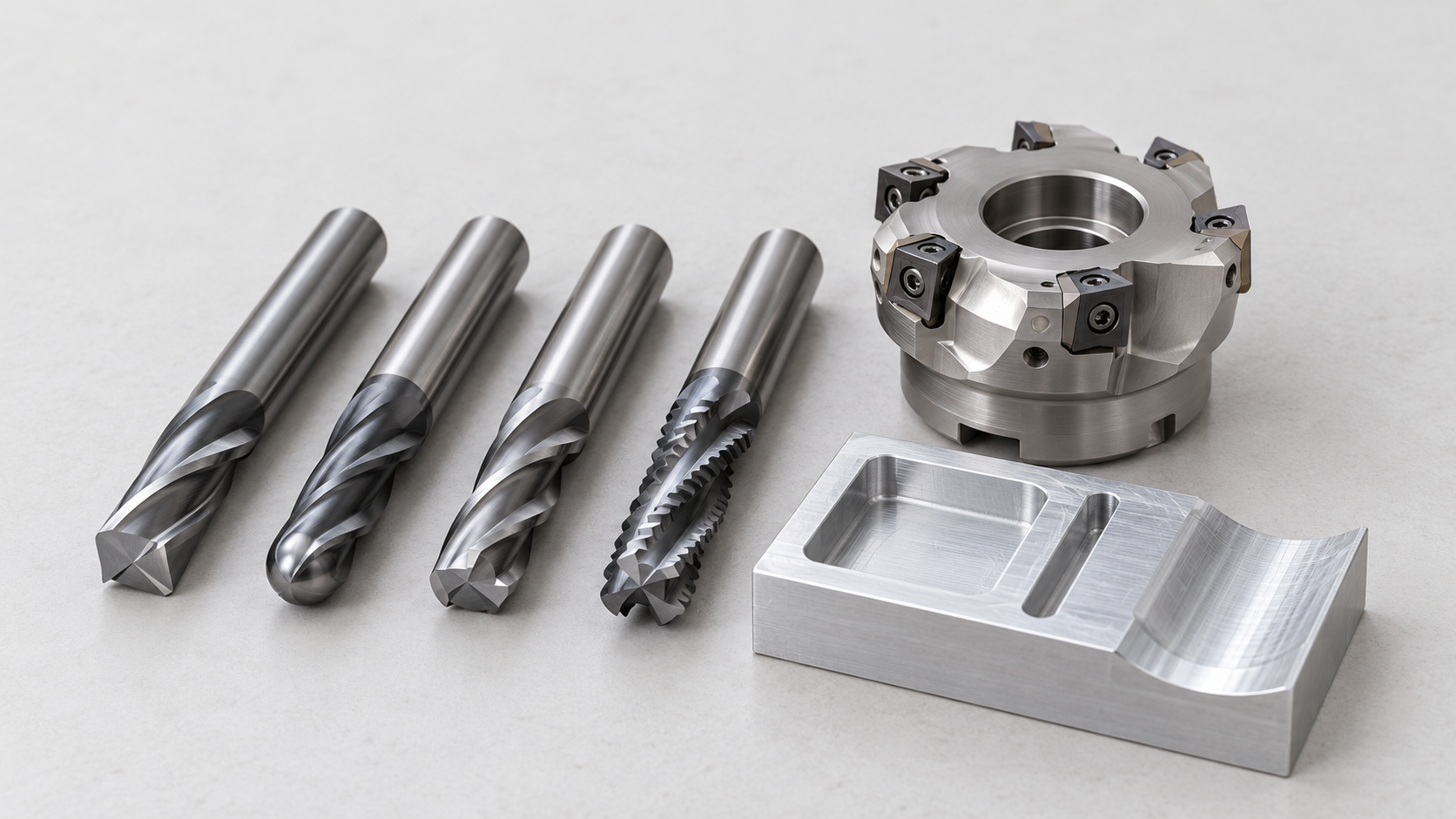
CNC machining cares most about whether the part can be held stably and whether the tool can reach the positions that need machining. If the drawing only marks the final shape without specifying which faces are datum surfaces and which features must be completed in a single setup, programmers and process engineers can only make assumptions. Deep cavities, internal right angles, fillets that are too small at the bottom, and threaded pilot holes too close to side walls all directly affect tool selection and machining sequence. Before publishing, ask yourself: does this drawing let the reader see "which face to machine first, and where to locate from"?
3D Printing: Wall Thickness, Supports, and Orientation
3D printing's sensitivities to drawings center on whether wall thickness is uniform, whether overhanging structures need supports, and how the part is oriented in the build space. If the drawing doesn't mark critical mating surfaces or cosmetic surfaces, the print orientation may be chosen arbitrarily, causing layer line direction to conflict with load-bearing or appearance requirements. Junctions between thin and thick walls tend to produce shrinkage differences; if the drawing only gives the outer shape without wall thickness intent, process engineers can only make trade-offs based on experience.
Sheet Metal, Urethane Casting, and Injection Molding: Flat Pattern, Draft, and Parting
Sheet metal looks at flat pattern dimensions, bend direction, and bend radius. If bend lines, bend angles, and sheet thickness direction are not clearly marked on the drawing, flat pattern calculations will go wrong. Urethane casting (vacuum casting) focuses on draft angle and parting surface location; without this information, the silicone mold parting can only be judged on site. Injection molding simultaneously considers draft, wall thickness uniformity, and parting line location—whether the parting line falls on a cosmetic surface or non-cosmetic surface often determines the mold plan and subsequent processing methods. The same drawing, read by five processes, yields five sets of questions—essentially, information gaps being amplified at different stages.

A practical approach: write "intended process for this part" clearly in the drawing notes, or attach a sentence about process intent when publishing. This way the factory has priorities when reading the drawing and won't spend effort on details irrelevant to that process. If you're still unsure which process to use, you can first check the applicable scope of each process in the Manufacturing Capabilities Overview, then decide what information the drawing should supplement.
Version, Changes, and Pre-Release Self-Check Checklist
Drawing errors often aren't from drawing wrong—they're from changes not being synchronized. The factory has the previous version in hand, the workshop prepares material according to the old drawing, and by the time it's discovered, the material has already been cut. Version management isn't an administrative process—it's the first gate preventing rework.
Version Numbers and Change Markers
Each drawing should have a unique drawing number plus version number. The version number increments with each release—don't use naming like "final version" or "final version 2." Mark changed areas with cloud lines or triangle markers, and note in the title block or revision block what was changed and why. Changing only numbers without marking changes makes it hard for readers to spot differences, especially inconspicuous modifications like minor dimension adjustments.
Pre-Release Self-Check Checklist
- Views: Projection method is marked, the number of views is sufficient, and the correspondence between sections and detail views is clear.
- Datums: Datum selection is consistent with assembly and inspection logic, with no contradictory datums.
- Dimensions: Critical dimensions and reference dimensions are clearly distinguished, and the dimension chain has no closed loops or missing dimensions.
- Material: Grade and condition are fully specified—no vague descriptions like "aluminum" or "steel."
- Surface: Roughness, surface treatment, and deburring requirements are noted.
- Process Notes: Heat treatment, special machining requirements, and prohibited processes are specified.
- Version: Drawing number, version number, change markers, and date are complete and consistent with the 3D model.
After releasing a change, don't just send a new drawing. List the change points separately, explain which dimensions are affected, whether material re-preparation or program changes are needed, and confirm the factory has received and acknowledged it. Verbal notification is easily missed—it's best to have a traceable confirmation record. If material or surface treatment adjustments are involved, you can check the Material Guide to confirm whether alternatives are feasible.
Frequently Asked Questions (FAQ)
A pre-release self-check checklist can block most follow-up questions, but the following few almost always come up again during review or quoting. The answers don't involve specific tolerance values or delivery commitments—only judgment logic.
For 2D engineering drawings and 3D models, which does the factory take as authoritative?
Typically, the 3D model defines geometry, and the 2D drawing defines dimensions, tolerances, datums, and process requirements—the two should be consistent with each other. If the model and drawing conflict, the factory will generally stop and confirm rather than choosing on its own. It's recommended to explicitly write "3D model takes precedence" or "drawing dimensions take precedence" in the title block or notes, and explain how conflicts are handled, to avoid each party interpreting it differently.
What are the consequences of over-tight tolerance callouts?
Over-tight tolerances push machining toward slower feed rates, more setups, and higher inspection costs—affecting both quoting and feasibility. A more common problem is over-tight callouts that aren't functionally necessary, resulting in no distinction between critical and general dimensions. It's recommended to tighten only dimensions that truly affect assembly or function, mark the rest according to conventional machining capabilities, and confirm with engineering during review which are the true critical characteristics.
If the drawing doesn't specify surface treatment, how will the factory handle it?
When unspecified, the factory can only deliver in the material's default state—which may be the as-machined raw surface, or may have burrs or tool marks—and this may not match the design intent. If the part needs anodizing, sandblasting, electroplating, or a specific roughness, the drawing should specify the treatment method and scope of application. When this section is missing, the factory will usually call to confirm rather than deciding for you.
After a drawing change, how do you notify the factory with the least chance of error?
After a change, update the version number and mark the changed locations on the drawing, while stating that the old version is void. Sending just "made a change" easily leads the workshop to continue using the old drawing. A more reliable approach is to re-release the complete drawing package, note the version and change points, and confirm the other party has received it and confirmed production according to the new version.
How are freeform surfaces and complex shapes expressed on drawings?
Freeform surfaces are usually defined by 3D models—it's difficult to fully describe them with dimensions on a 2D drawing. In this case, provide the complete surface model and mark on the drawing which faces are cosmetic surfaces, which are critical mating surfaces, and which areas need inspection. When necessary, 3D scanning can be used for comparison verification, rather than trying to approximate the surface with a large number of 2D dimensions.
Key takeaways
- The core of an engineering drawing is not looking pretty, but making sure the person reading it does not have to guess: datums, material condition, and critical features must be unambiguous.
- Dimension chains and datum selection directly determine whether inspection results are reproducible; improper dimensioning can cause conforming parts to be judged nonconforming.
- Different processes have different sensitive points for drawings: CNC cares about fixturing and tool accessibility, sheet metal cares about flat patterns and bend direction, and injection molding cares about draft and parting lines.
- Self-checking against a fixed checklist before release saves more time than explaining repeatedly afterward; version and change records are part of a drawing's credibility.
- For freeform surfaces or complex features that cannot be fully expressed in 2D, pairing a 3D model with datum callouts (such as GD&T) is usually more reliable.