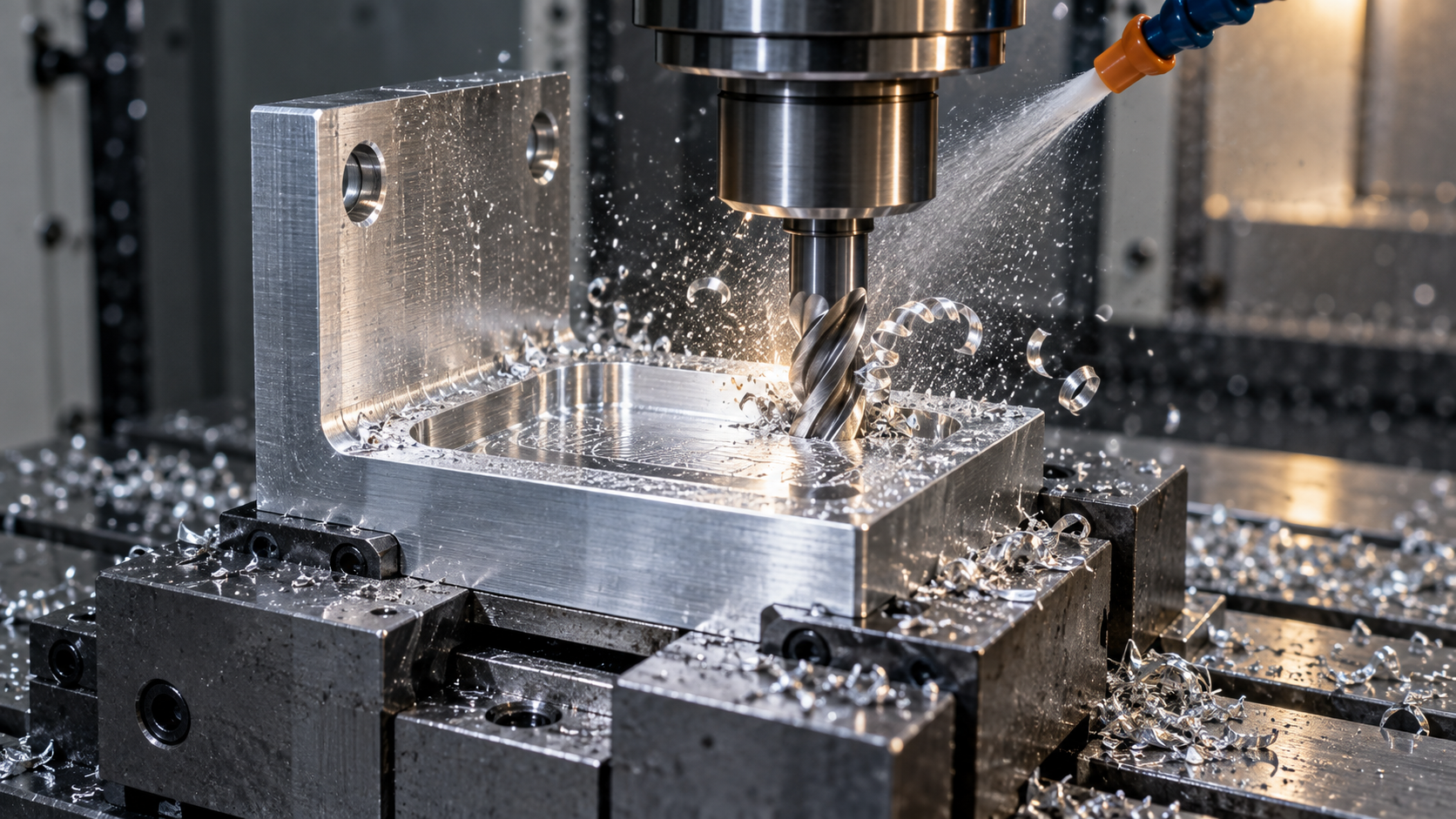
What CNC machining is: the digital subtractive chain from CAD model to G-code
CNC machining is not a synonym for “advanced machine tools,” but a complete subtractive manufacturing process driven by software and code: material is progressively cut away, and shape is determined by the program rather than by feel. Its chain is fixed—first build the part in CAD, then use CAM to generate toolpaths, post-process into G-code and M-code that the machine can read, and finally hand it to the machine for execution. If any link in this chain goes wrong, it will come back in the finished part’s dimensions or surface.
The range of applicable materials is wider than many people think: metals such as aluminum alloy, stainless steel, titanium, and brass; plastics such as ABS, POM, and PEEK; as well as wood, composites, foam, and some glass. Material selection not only affects whether it can be cut, but also affects tool selection, cutting parameters, and fixturing method.
Machine tool precision magnitude: how accurate can positioning be?
A common industry statement is that the positioning accuracy of modern CNC machine tools generally falls in the range of ±0.005mm to ±0.025mm, depending on machine design, calibration procedures (such as ISO 230-2 type verification methods), ambient temperature, and process requirements. Under controlled conditions, high-precision machining centers can achieve tighter tolerances, but this belongs to specific equipment and specific working conditions and cannot be treated as a general promise. When evaluating a supplier’s capability, a more reliable approach is to take the critical tolerances on the drawing and ask: with this machine, this fixturing, and this tool, can it be done consistently, and by what means is it verified?
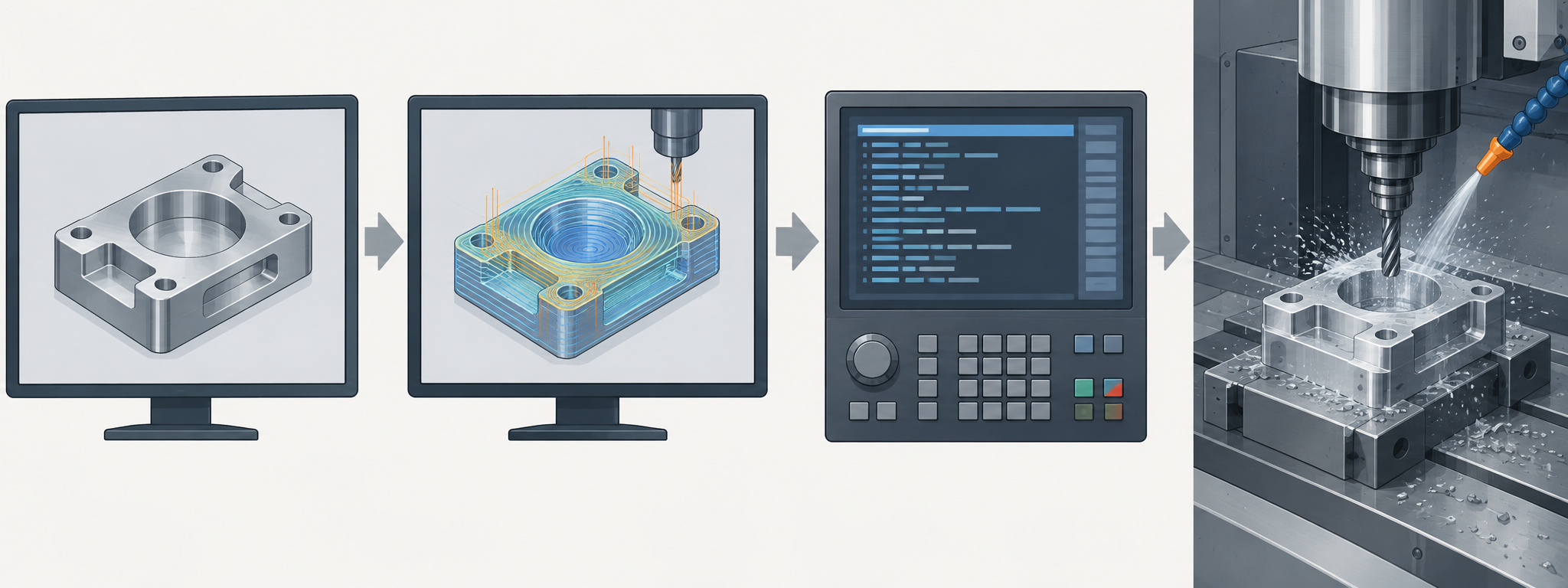
Only by understanding this chain clearly can later discussions of parameters, types, and DFM trade-offs have a foundation. CNC machining capabilities cover milling and turning and are suitable for precision metal and plastic parts, but it is not an isolated step—many parts iterate back and forth among CNC, 3D printing, and rapid prototyping.
How CNC machining runs: breaking down the steps from program and fixturing to cutting
CNC machining is not simply handing a drawing to the machine and being done. It is a fixed chain from model to finished part, and skipping any link will come back in dimensions or surface quality. Below it is broken down in actual operating order, with each step including a sentence on “why it is done.”
From datum to program: design sets the datum, CAM sets the toolpath
1. Part design sets the datum. First determine which surfaces and which holes are assembly datums, then define other dimensions. If the datum is not clearly defined, all subsequent tolerances have nowhere to attach.
2. CAM programming. Import the CAD model into CAM, select tools, arrange toolpaths, set lead-in and lead-out methods, and post-process into G-code/M-code. This step determines the cutting sequence and number of setups, directly affecting cycle time.
3. Material selection and stock preparation. Select material according to part load, corrosion resistance, and cost, and cut the blank close to stock bar or plate dimensions. The amount of blank allowance left must provide room for subsequent fixturing and finishing.
Fixturing, dry runs, and in-process monitoring: the two links most easily skipped
4. Machine setup and workpiece positioning. Excessive clamping force will deform thin-walled parts, while too little will cause tool deflection during cutting. Precision vises, soft jaws, and vacuum chucks each handle a class of parts; choose the wrong fixturing method and even correct parameters are useless.
5. Program loading and dry-run error correction. This step is often skipped when rushing. The correct approach is to first verify coordinates and safe height with an air pass, then use single-block execution to check the position and depth of the first cut, and only run continuously after confirming there are no issues. Saving these ten minutes often costs a tool crash or a batch of scrap parts.
6. Cutting and in-process monitoring. A sharper cutting sound, chips turning blue, or chips becoming powdery are all signals of unsuitable parameters. Listening to the sound and observing the chips is much cheaper than discovering out-of-tolerance only at final inspection.
7. Finishing and inspection removal. Leave 0.2–0.5mm allowance before finishing, and reduce radial engagement in exchange for dimensional accuracy and surface roughness; after removing from the machine, deburr, clean, and send for inspection.
The upper capability limit of this entire process is jointly determined by six variables: cutting speed, feed per tooth, depth of cut, tool geometry, machine rigidity, and thermal stability. They constrain one another—if you want to improve efficiency, you must increase depth of cut or feed, but once tool overhang lengthens and rigidity drops, vibration immediately consumes surface quality. The following two sections on parameters and DFM are both developed around trade-offs among these six variables.
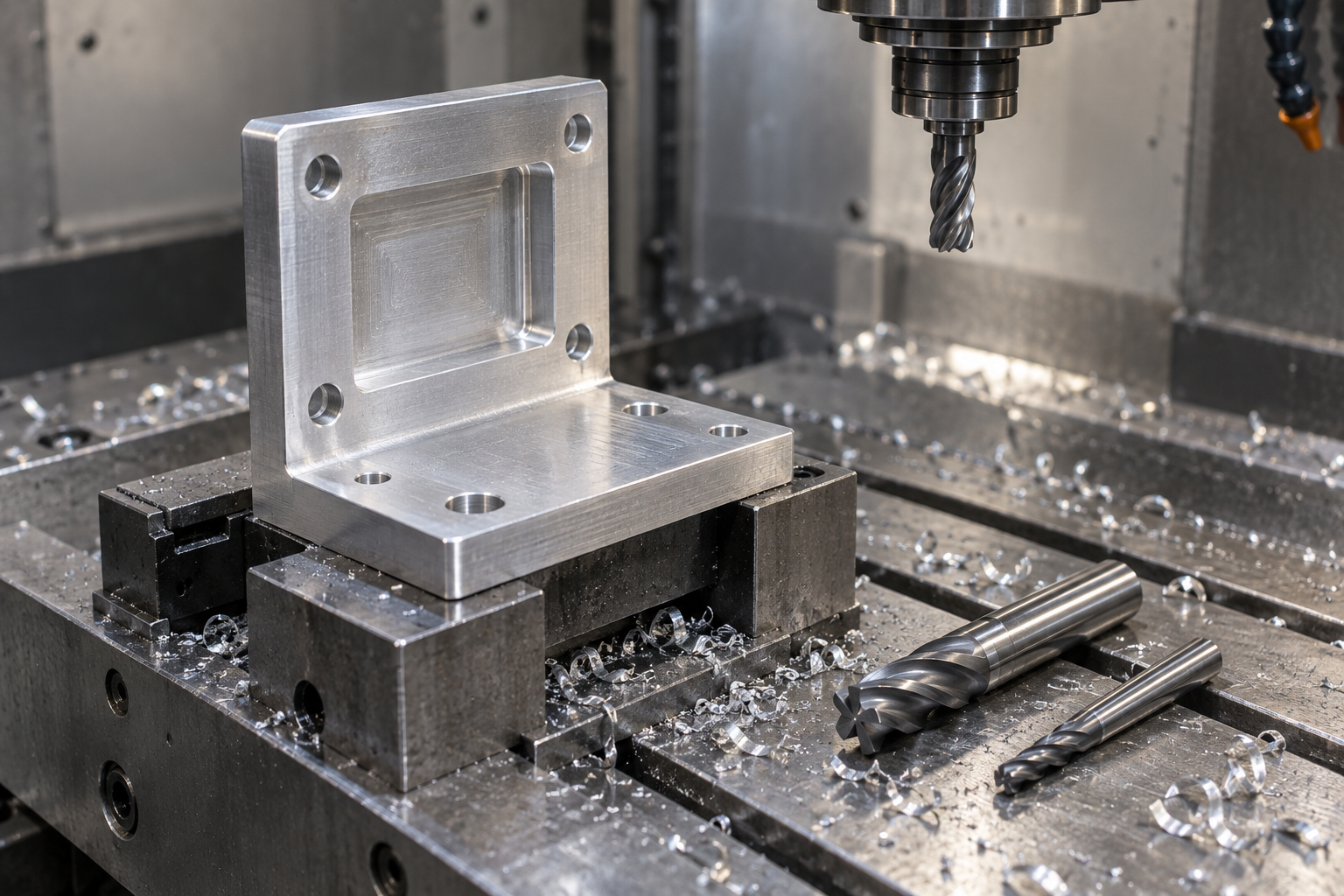
Case study: the complete CNC machining workflow for an L-shaped aluminum bracket
Looking at a specific part is faster than looking at definitions. The following L-shaped aluminum mounting bracket is a complete CNC machining case from CAD to finished part off the machine. The part material is 6061-T6 aluminum, the finished outer shape is 120mm×80mm×10mm, containing 2 φ10mm mounting holes and 4 φ6.5mm fastening holes, with a central 70mm×40mm×5mm weight-reduction pocket and R3 fillets at internal corners. The critical mounting feature tolerance is ±0.05mm, and the target surface roughness of the mounting face is Ra 1.6μm.
Design: establish datums, tolerances, and fillets first
In the design stage, establish datums first. The centerlines of the two φ10mm mounting holes serve as the primary datum, and the mounting face is the Z-direction zero point. The ±0.05mm applies only to the mounting features and hole positions; the outer contour and pocket depth tolerances can be relaxed to ±0.1mm to avoid pushing inspection costs higher by tightly tolerancing all dimensions. The R3 internal corner corresponds to the radius of a φ6mm end mill—this matching relationship directly determines whether the tool can complete the internal corner in one pass; if it does not match, a smaller tool must be used and more passes taken. The blank is selected as a 130mm×90mm×12mm aluminum plate, with allowance left on all four sides and top and bottom surfaces for subsequent alignment and facing.
Programming: from model to G-code and tool list
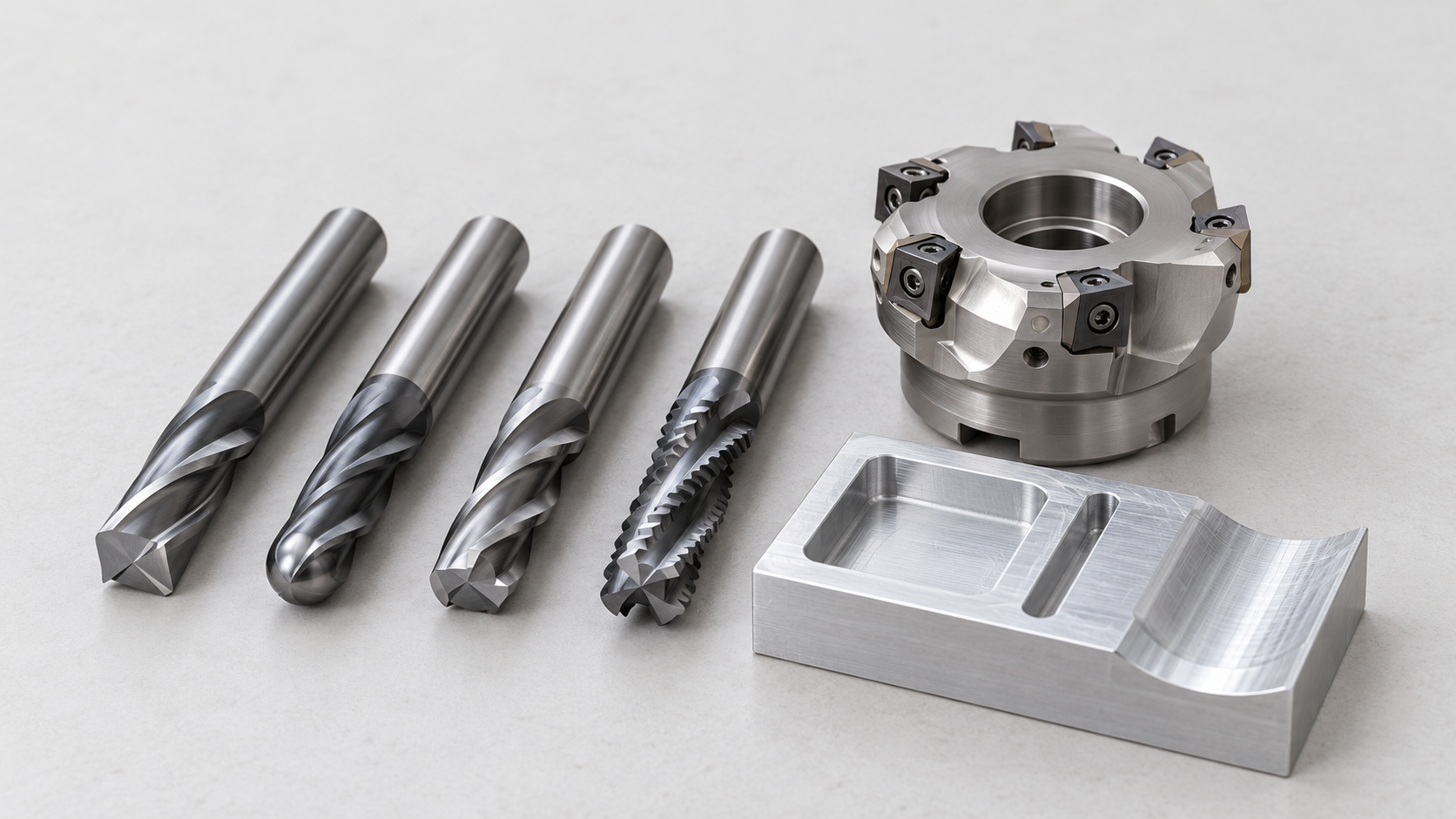
Programming is completed in CAM: import the model, set the work coordinate system and blank, select tools, generate toolpaths, and post-process into G-code. The tool list for this part is not long—a φ10mm end mill for roughing and milling the outer contour, a φ6mm end mill for milling the pocket and R3 internal corners, φ10mm and φ6.5mm drill bits for drilling holes, and a face mill for finishing the mounting face. In terms of toolpath strategy, use pocket milling for rapid material removal in roughing, and contour milling along walls for finishing. After generating the code, first run it dry to check whether tool change positions and rapid movement paths risk colliding with the fixture, then single-block trial cut the first part.
Machining: fixturing, parameters, and finishing trade-offs
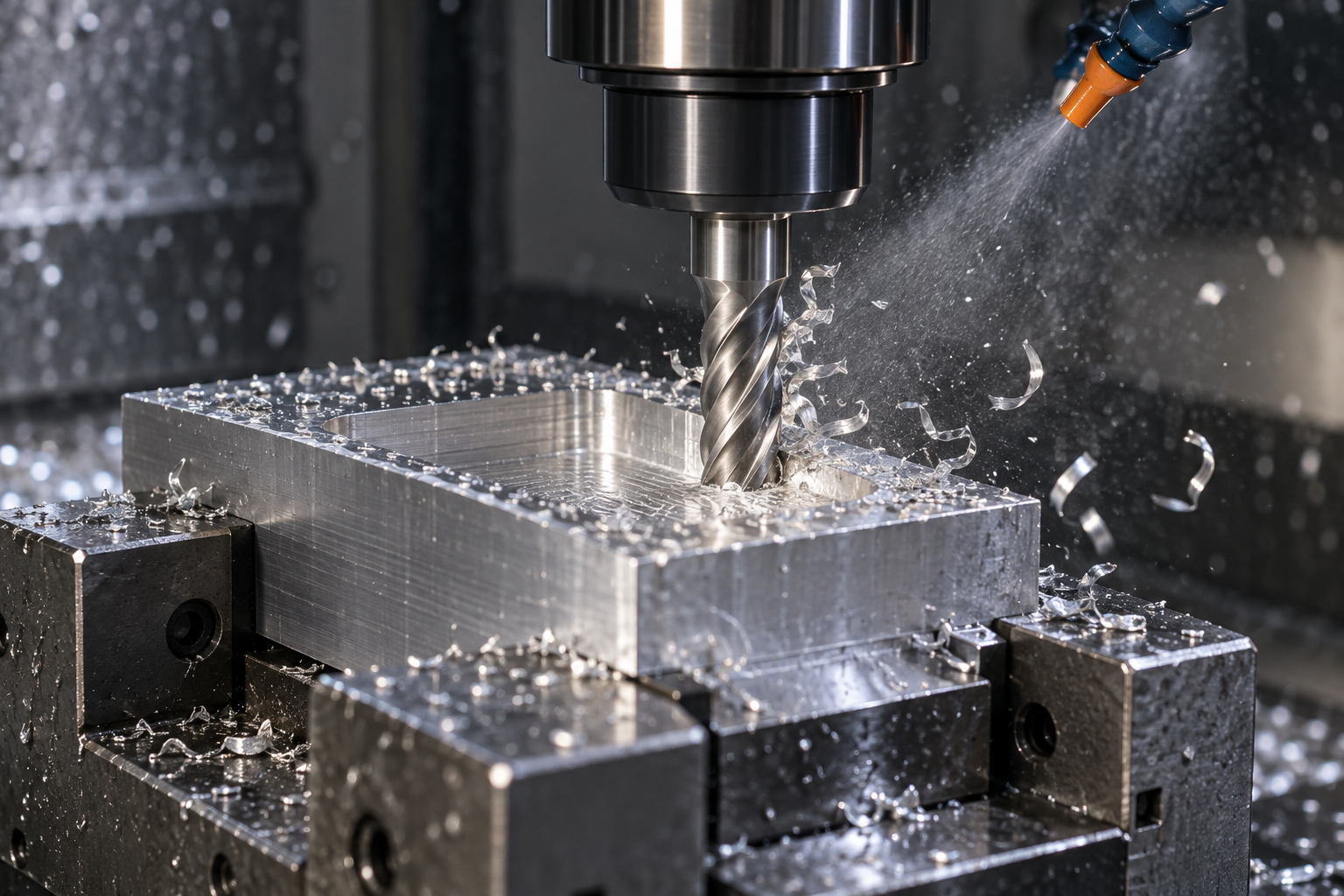
The blank is clamped with a precision vise, with the bottom surface leveled and the machining area exposed. Example roughing parameters are about 12,000 rpm, 2,500 mm/min feed, and 3mm axial depth of cut—these are reference values for 6061-T6 aluminum under that tool and machine condition, not universal recommendations, and in practice they must be adjusted according to tool diameter, machine rigidity, and surface requirements. Leave 0.3–0.5mm allowance for finishing after roughing. During finishing, reduce radial engagement and switch to a sharp new tool so that cutting forces drop, ensuring dimensional accuracy and surface quality. The pocket is 5mm deep, so cut in layers, with each layer preferably not exceeding 1/2 of the tool diameter to avoid poor chip evacuation and vibration.
Verification: CMM and roughness tester against tolerances and Ra
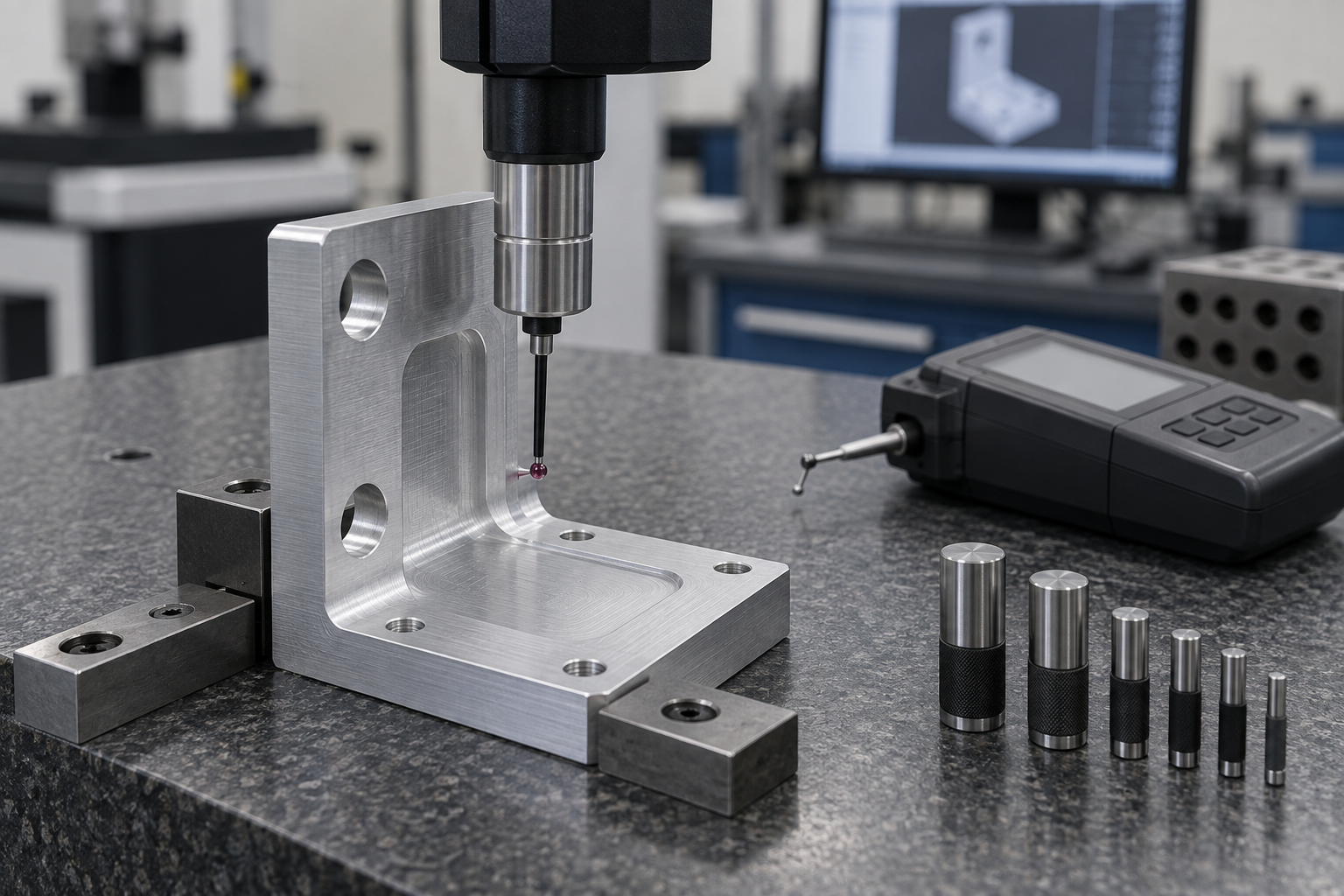
After removing the part from the machine, perform first-article inspection first. Use a CMM to measure the center distance between the two φ10mm mounting holes, the position of the holes relative to the datum face, and the perpendicularity of the mounting face to the hole axes, checking against ±0.05mm; use a roughness tester to measure the Ra of the mounting face and see whether it falls within 1.6μm. Use digital calipers to quickly check the diameters of the 4 φ6.5mm fastening holes, and use plug gauges to confirm the lower limit of hole diameter. If the CMM shows hole position deviation, first check whether the tool radius compensation value and work coordinate system were set incorrectly, then check whether chips are trapped on the vise locating surface—such deviations are often not a machine accuracy problem, but a mismatch in fixturing and compensation.
How to choose common CNC machining types: applicable scenarios for milling, turning, drilling, grinding, EDM, and multi-axis
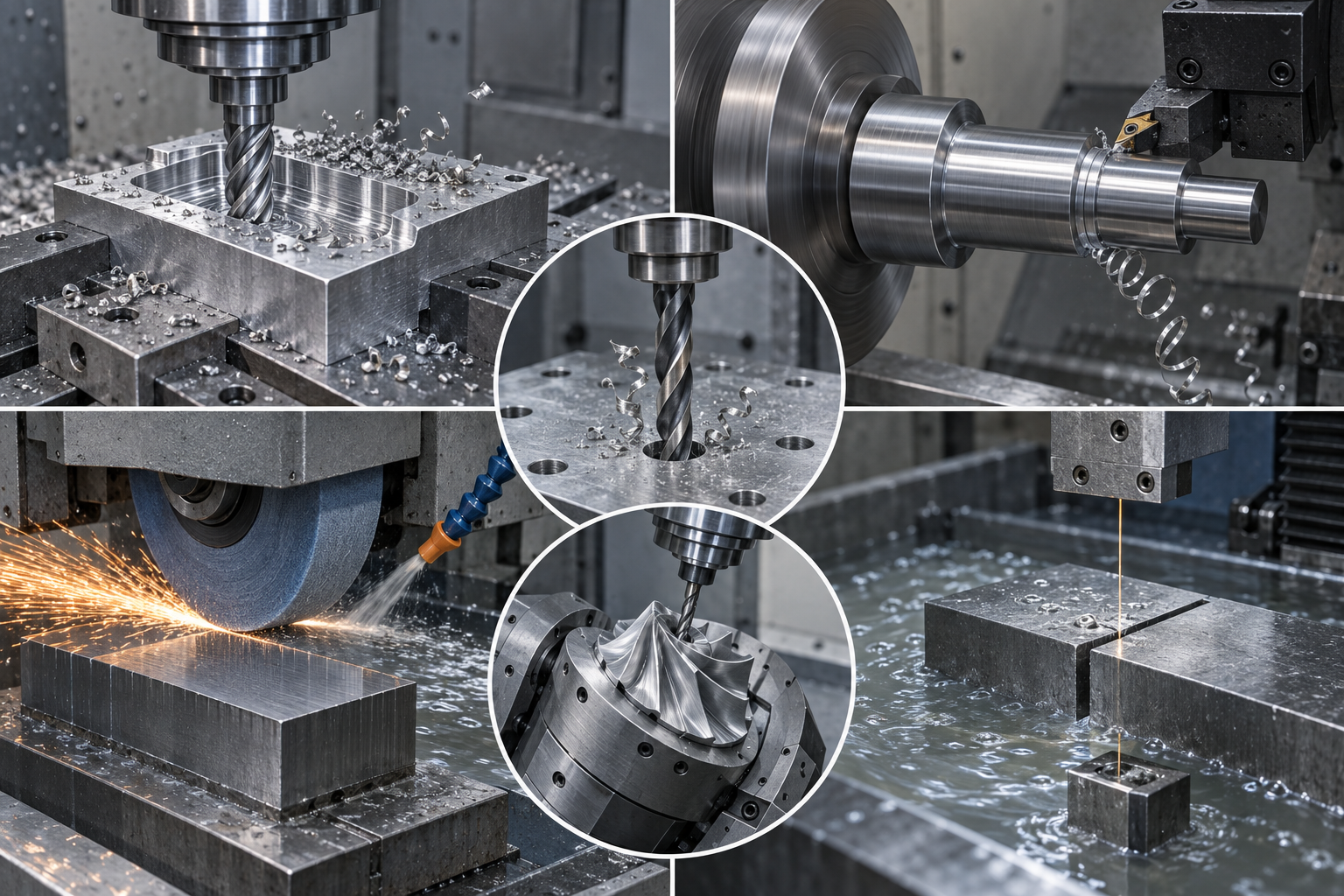
CNC machining is not the name of a single machine tool, but a collection of subtractive processes. The starting point for selection is not a list of equipment, but the shape of the part: rotational bodies, box-type parts, plate-type parts, and hardened molds each correspond to very different machining methods. Below, they are paired by "type—what it excels at—who it suits," and a set of decision dimensions is given at the end.
Milling: the tool rotates and the workpiece stays stationary, handling flat surfaces, pockets, and contours
Milling is the most common CNC machining method. A vertical machining center equipped with an end mill can mill flat surfaces, dig pockets, trace outer contours, and cut lightening grooves. The central 70×40×5mm groove and R3 internal corners of the L-shaped aluminum bracket mentioned earlier are typical milling work. It suits parts with flat surfaces and stepped features, such as plate-type parts, box-type parts, brackets, and fixture base plates, covering industries including automation equipment, electronic structural parts, and tooling fixtures.
Turning, drilling, and grinding: rotational bodies, hole systems, and tight-tolerance surfaces
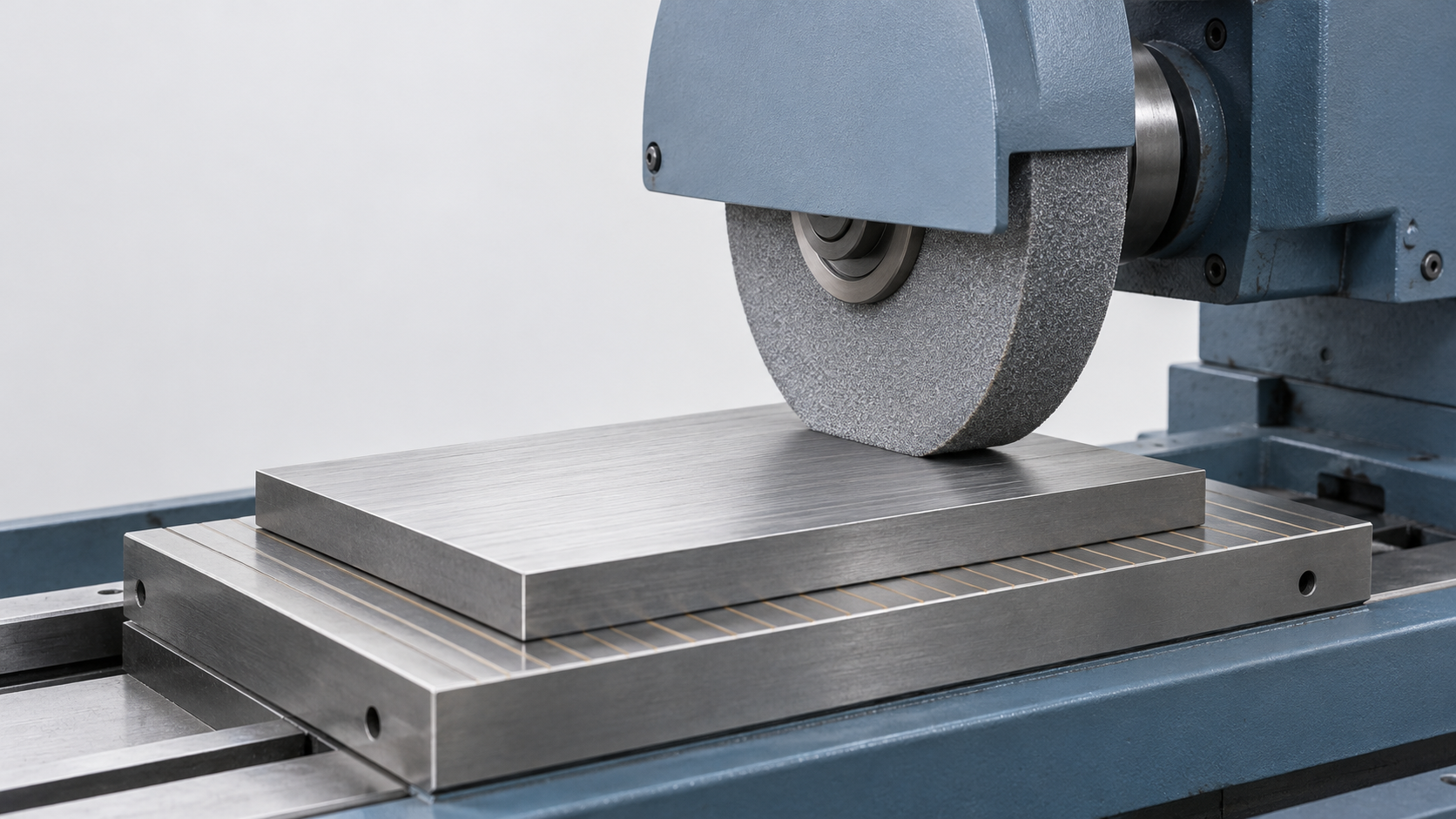
Turning involves the workpiece rotating while the tool stays stationary. It excels at shafts, sleeves, flanges, fittings, and other rotational bodies, and can complete most of the external cylindrical turning, facing, grooving, and thread turning in a single setup. Drilling handles hole systems and threaded pilot holes, with positional accuracy ensured by drill jigs or directly by machine positioning. Grinding is used for hard materials or situations with stricter dimensional and surface requirements, such as hardened journals and gauge surfaces, and is usually placed after heat treatment as a finishing operation.
EDM, engraving, and multi-axis: narrow deep slots, corner cleaning, and complex curved surfaces
EDM (electrical discharge machining) removes material by electrical discharge and can machine hardened steel, narrow deep slots, sharp corner cleaning, and mold cavities. It is a complementary process for positions the milling cutter cannot reach. Engraving machines are mostly used for panels, nameplates, shallow reliefs, and markings. Multi-axis (3/4/5-axis) suits complex 3D curved surfaces and completing multi-face features in a single setup: reducing repeated setups reduces positioning errors caused by datum conversion, at the cost of more complex programming and fixturing.
How to decide: five decision dimensions
Breaking the choice into five points is faster: material hardness, workpiece size and thickness, design complexity, precision requirements, and batch size and number of setups. For hard materials or hardened parts, prioritize grinding and EDM; for rotational bodies, think turning first, and for box-type parts, think milling first; for thin-walled large parts, evaluate deformation and fixturing plans in advance; each step up in precision requirements brings inspection methods and costs along with it. Actual selection also depends on the supplier's machine configuration and tool inventory—the same drawing may be produced differently in different workshops.
How to set cutting parameters: the causal chain of spindle speed, feed, depth of cut, and vibration
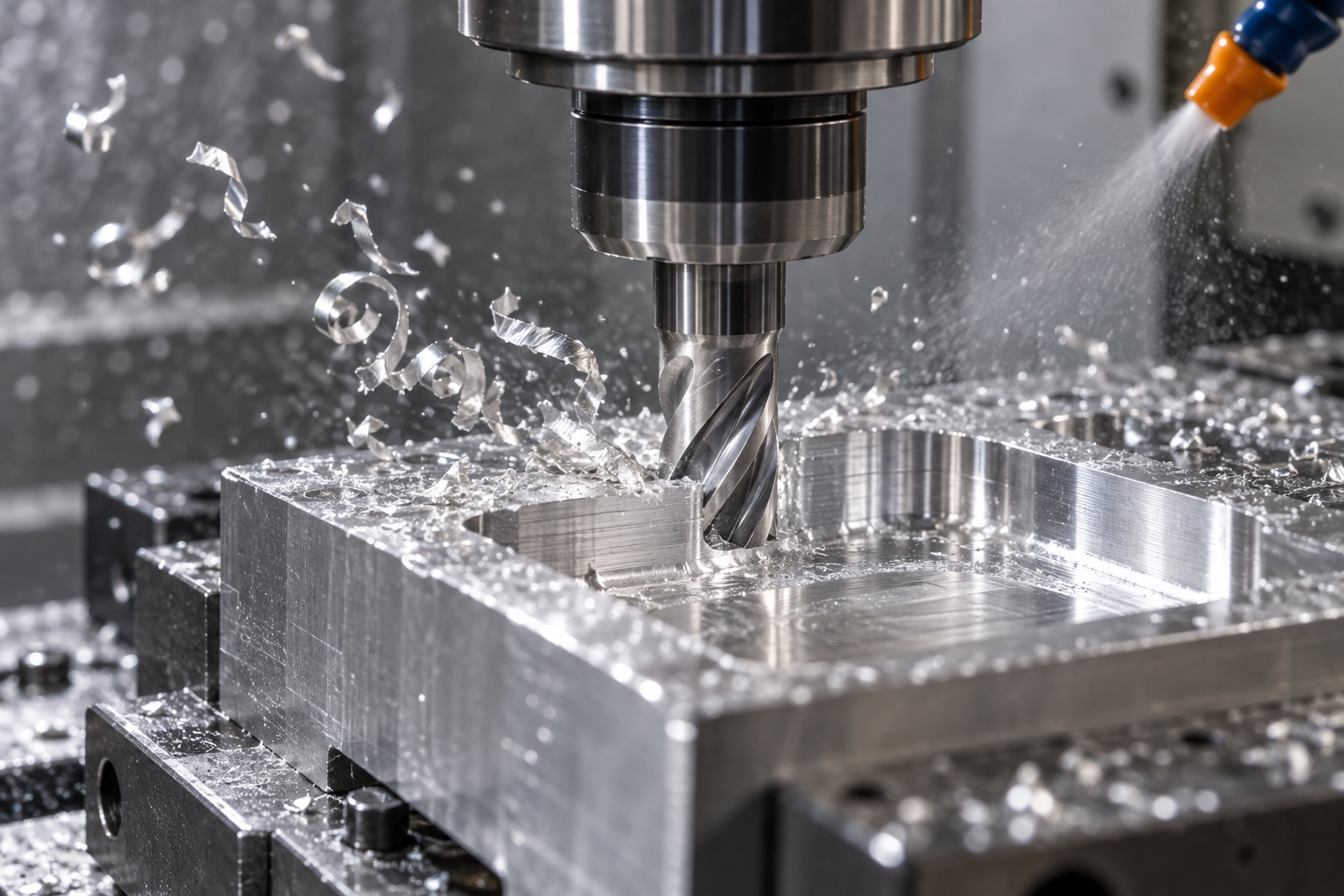
The trade-offs of feed per tooth, depth of cut, and tool overhang
What to change first when vibration occurs
DFM for machining CNC machining: controlling cost before metal is cut
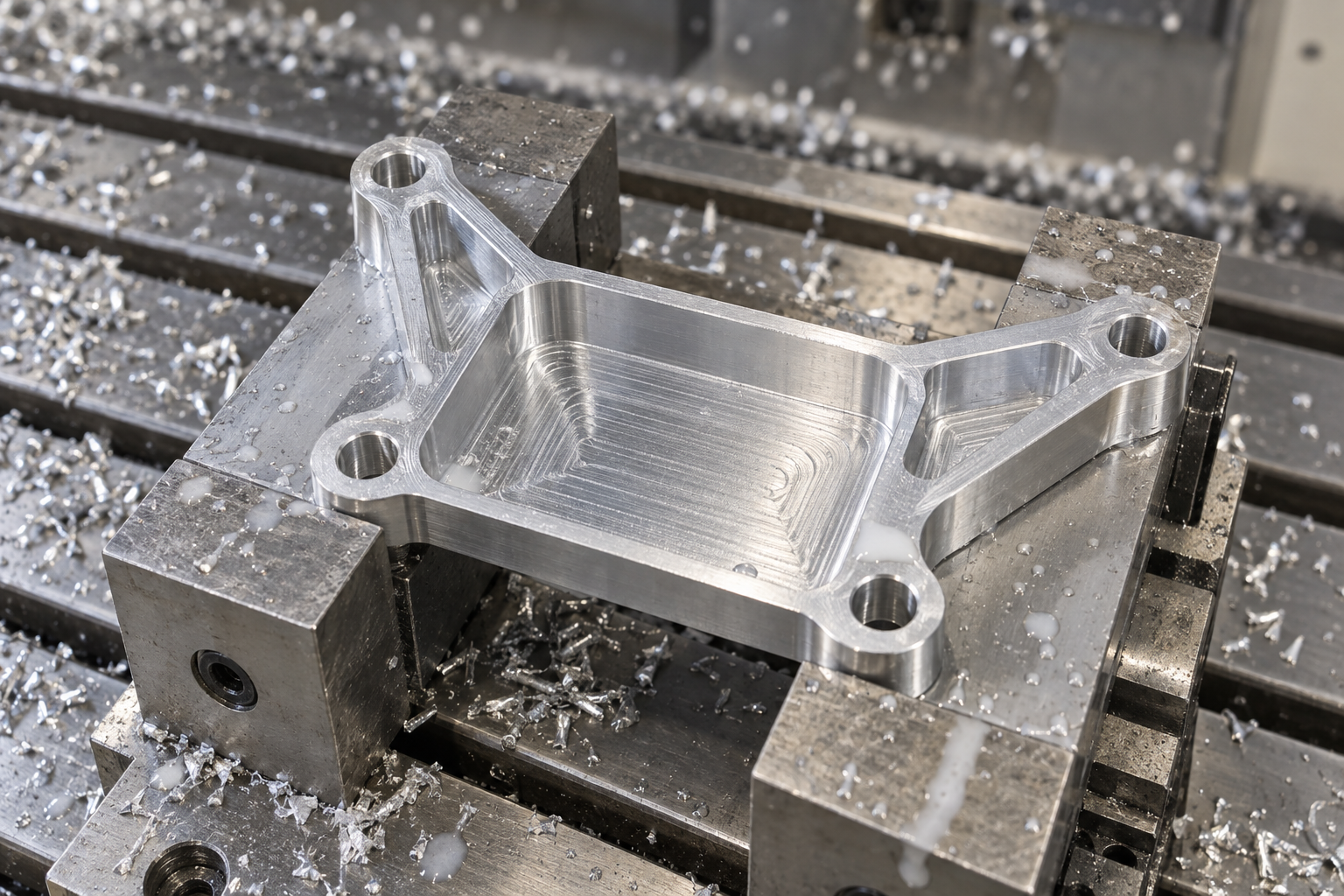
DFM (design for manufacturing) is not a polite suggestion at a drawing review meeting, but a proactive action to find the root causes of cost in advance. Once part geometry, tolerances, and material specifications are frozen, all remaining room for saving money is pressed onto toolpaths and fixturing—very little space. The major costs of machining CNC machining are machining time, tool consumption, and inspection labor, and all three can be pushed down at the design stage.
Geometry simplification: replace complex curved surfaces and sharp corners with shapes the tool can cut
Tolerances and surface roughness: tighten only mating surfaces, loosen non-mating surfaces
Tool and material standardization: fewer tool changes, less removal volume
Common defects and prevention: inaccurate dimensions, burrs, tool marks, and deformation
Defects in machining CNC machining are rarely isolated. They can almost all be traced back to the parameter choices, fixturing plans, or DFM decisions in the previous section. Therefore, the troubleshooting order matters: first check the item most likely to change and easiest to measure, then adjust parameters. Below, the order of "what to check first, what to change next" is given by defect type. After changes, be sure to update the program and tool compensation table, otherwise the next first article will repeat the same problem.
Inaccurate dimensions: first check tool wear compensation and thermal drift
If dimensions are systematically too large or too small, first check whether the tool wear compensation value is still stuck at the previous batch's value. Carbide end mills wear slowly when machining 6061-T6 aluminum, but edge wear accelerates noticeably when machining stainless steel or hardened steel, so compensation must follow. Next, check thermal drift: after several hours of continuous cutting, the spindle and ball screws heat up, and machine positioning accuracy drifts. Common industry magnitudes are about ±0.005mm to ±0.025mm, affected by environment and cooling conditions; under controlled conditions, high-precision machining centers can be tighter, but this must be confirmed by the specific machine's calibration and drawing requirements.
After ruling out wear and thermal drift, check whether the fixture is allowing tool deflection—thin-walled parts or workpieces with long overhangs yield under cutting force, and in that case what should be changed is support and cutting force, not the compensation value.
Burrs and tool marks: find the cause from feed, overhang, and runout
Burrs mostly appear on the exit side and at hole openings. First check whether the tool has become dull—a dull tool pushes and squeezes material rather than shearing it, making burrs thicker. Then check whether the feed is too low: too low a feed per tooth makes the edge rub against the surface rather than cut, actually worsening burrs and work hardening. If necessary, add a deburring operation, but the earlier step is to leave a reasonable allowance in roughing and cut it clean in one finishing pass.
Tool marks fall into two categories. Chatter marks (regular ripples) usually come from excessive tool overhang or a mismatch between spindle speed and holder runout; first shorten the overhang, check holder runout, then adjust the speed and feed combination. Step marks come from the transition between multiple passes and are a toolpath planning issue; what should be changed is the overlap amount and the entry/exit method, not the parameters. After fixing these two types of problems, remember to write the new speed, feed, and toolpath parameters back into the program.
Deformation of thin-walled and slender parts: symmetrical material removal, auxiliary support
Deformation often only appears after the fixture is released. The cause is usually residual stress release and uneven cutting force. Corresponding actions: reduce radial engagement, and do not hog with the full cutter width; use symmetrical material removal so that forces on both sides of the workpiece are balanced; add auxiliary support or switch to vacuum chucks and soft jaws to avoid clamping force deforming the workpiece. The 70×40×5mm lightening groove in the case is a thin-bottom structure; the thinner the groove bottom, the more radial engagement and pass sequence must be controlled. These changes will alter cycle time, but they are more worthwhile than scrapping a workpiece.
Inspection and quality control: CMM, roughness tester, and closed-loop feedback
The final step of CNC machining is not "unloading," but proving the tolerances and surface requirements on the drawing. In the case example, ±0.05mm and Ra 1.6μm will not automatically hold just because the parameters are written well; they must be verified item by item with gauges and measuring instruments. Final inspection and in-process sampling inspection have different roles: first article inspection (FAI) confirms whether the program, tool compensation, and workholding positioning are correct the first time; in-process sampling inspection watches for slow drift caused by tool wear and thermal drift.
What each gauge handles: don't let one device do everything
- CMM (coordinate measuring machine): handles hole diameters, hole positions, position tolerance, and the dimensions of key mounting features. In the case example, the center distances of the 2 φ10mm and 4 φ6.5mm holes, as well as the distance from the pocket to the datum edge, are all suitable for point-by-point measurement with a CMM after establishing a coordinate system from the datums.
- Optical scanner: handles overall contour and surface comparison, suitable for quickly imaging shape deviation of weight-reduction pockets and R3 internal corners, but its absolute dimensional accuracy is usually lower than that of a CMM, so it is suitable as a supplement.
- Surface roughness tester: handles the Ra target. For requirements such as Ra 1.6μm on a mounting face, measuring a few passes along the feed direction with a portable roughness tester is more reliable than visual judgment.
- Digital calipers and plug gauges: handle hole diameters and quick sampling inspection. For φ10mm holes, go/no-go judgment with a plug gauge is more direct, while calipers are suitable for secondary items such as slot width and step height.
How to trace back after out-of-tolerance: compensate first, then fixture, then thermal effects
When dimensions are out of tolerance, do not rush to change the program. Check in order: tool wear and compensation values—first check the tool life count and whether the on-machine compensation should be updated; fixture stiffness and positioning repeatability—whether the precision vise is deforming the thin-walled part by clamping, and whether there are chips on the locating surface; thermal effects and cutting fluid—after continuous cutting, temperature rise in the spindle and workpiece will cause slow dimensional drift, and whether the cutting fluid coverage is adequate. After finding the cause, write the correction back into the program and work instructions, rather than just adjusting the machine once.
This closed loop is connected to the parameters and DFM discussed earlier: the tighter the tolerances and the lower the Ra requirement, the more the inspection stations and scrap risk increase. Therefore, when annotating, treat key mounting features separately from other surfaces, which can save a large amount of inspection labor. If you have a specific part and want to evaluate manufacturability, you can go to the CNC quote entry to upload the drawing, review the DFM feedback first, and then decide how to specify tolerances.
Frequently asked questions
The following are common follow-up questions around the case and decision chain in this article. The answers cover only what is discussed in the main text and do not involve specific lead times, prices, or certification commitments.
CNC machining and 3D printing: when should you choose which?
It depends on the part's functional requirements and quantity. If you need metal, load-bearing capability, and tight-tolerance mating surfaces (such as the ±0.05mm mounting features and Ra 1.6μm mounting face of the bracket in this article), CNC machining is usually the way to go; for prototype parts with complex shapes, internal channels, and small batches that do not carry assembly fits, 3D printing is easier. The two are not substitutes; a common approach is to first use 3D printing to verify the shape and assembly relationships, then use CNC for functional verification parts or small batches.
Can the 12,000 rpm, 2,500 mm/min, and 3mm depth of cut in the case be copied directly to my part?
They cannot be copied directly. That set of parameters is an example value for 6061-T6 aluminum under specific tool and workholding conditions; changing the material, tool diameter, or overhang length will change them. What is transferable is the approach: roughing uses a larger axial depth of cut to remove material quickly, while finishing reduces radial engagement in exchange for dimensional accuracy and surface quality. Actual parameters should start from the tool manufacturer's recommended values, then be fine-tuned by listening to the cutting sound and observing the chip shape.
Why should DFM be done before cutting metal, rather than waiting until machining problems arise and then changing?
Because most of the cost is fixed before the toolpath is generated. Whether internal corner fillets match standard end mill radii, whether the depth of a weight-reduction pocket forces a long-overhang tool, and whether non-mating surfaces are marked with tight tolerances—once these enter the program, what changes is not just the drawing, but also the tool list, workholding plan, and inspection plan. Changing R3 to R2 and grading tolerances by function is often much cheaper than adjusting parameters afterward.
For deformation after machining thin-walled parts, should parameters or workholding be checked first?
Check workholding and material removal sequence first. Most thin-wall deformation comes from uneven clamping force and residual stress release, not spindle speed. You can switch to soft jaws or vacuum fixturing, remove material symmetrically, reduce radial engagement, and add auxiliary support. Parameter adjustment is the second step. After changing any item, update the program, tool compensation table, and work instructions; otherwise the next batch will repeat the same problem.
If the first article has been measured with a CMM, is sampling inspection still needed for production?
Yes. A qualified first article only shows that the tool, fixture, and thermal state were correct at that time. During production, tools wear, cutting fluid temperature drifts, and chips accumulate on fixture locating surfaces. The conventional approach is full-dimensional confirmation for the first article, sampling inspection of key dimensions during the process with digital calipers and plug gauges, and periodic rechecking of the Ra target with a roughness tester. Once an out-of-tolerance trend is found, trace back in the order of tool wear compensation, fixture stiffness, and thermal effects, then write the correction back into the program.
Key takeaways
- The essence of CNC machining is digital subtractive manufacturing: a CAD model is processed through CAM to generate toolpaths, then converted into G-code executed by the machine tool. Program dry runs and in-process monitoring are two links in the chain that cannot be skipped.
- There is a causal chain between cutting parameters and results: spindle speed, feed, depth of cut, and tool overhang directly determine vibration, dimensional accuracy, and surface roughness. When chatter marks appear, prioritize adjusting radial engagement and overhang rather than blindly changing tools.
- Machine tool type is selected according to material hardness, workpiece size, geometric complexity, and precision requirements: milling handles flat surfaces and pockets, turning handles rotational parts, and grinding and EDM handle hard materials and narrow, deep features.
- DFM is the action of controlling cost before metal is cut: simplify geometry, avoid sharp corners and unnecessary complex surfaces, standardize end mills and drill bits, select materials based on stock sizes, and clearly define tolerance and surface finish requirements.
- Verification must be closed-loop: after CMM, optical scanning, roughness testers, and gauges detect out-of-tolerance results, trace back to tool wear, fixture rigidity, and thermal effects, and write the corrections back into the program.